
Workspaces, backups, and recovery
Analyze Workspace And Backup Size
Find large histories or cached payloads using byte-only diagnostics without exposing private content.
Prerequisites
- Install the current DataPad++ desktop pre-release and open the workspace where you want to organize your connections and saved work.
- Have access to a datastore or database file you are authorized to inspect. Start read-only with a least-privileged account.
Quickstart
- 1
Open Workspace and Backups
Choose Analyze Workspace Size to inspect the active workspace, recovery state, and projected bundle sizes.
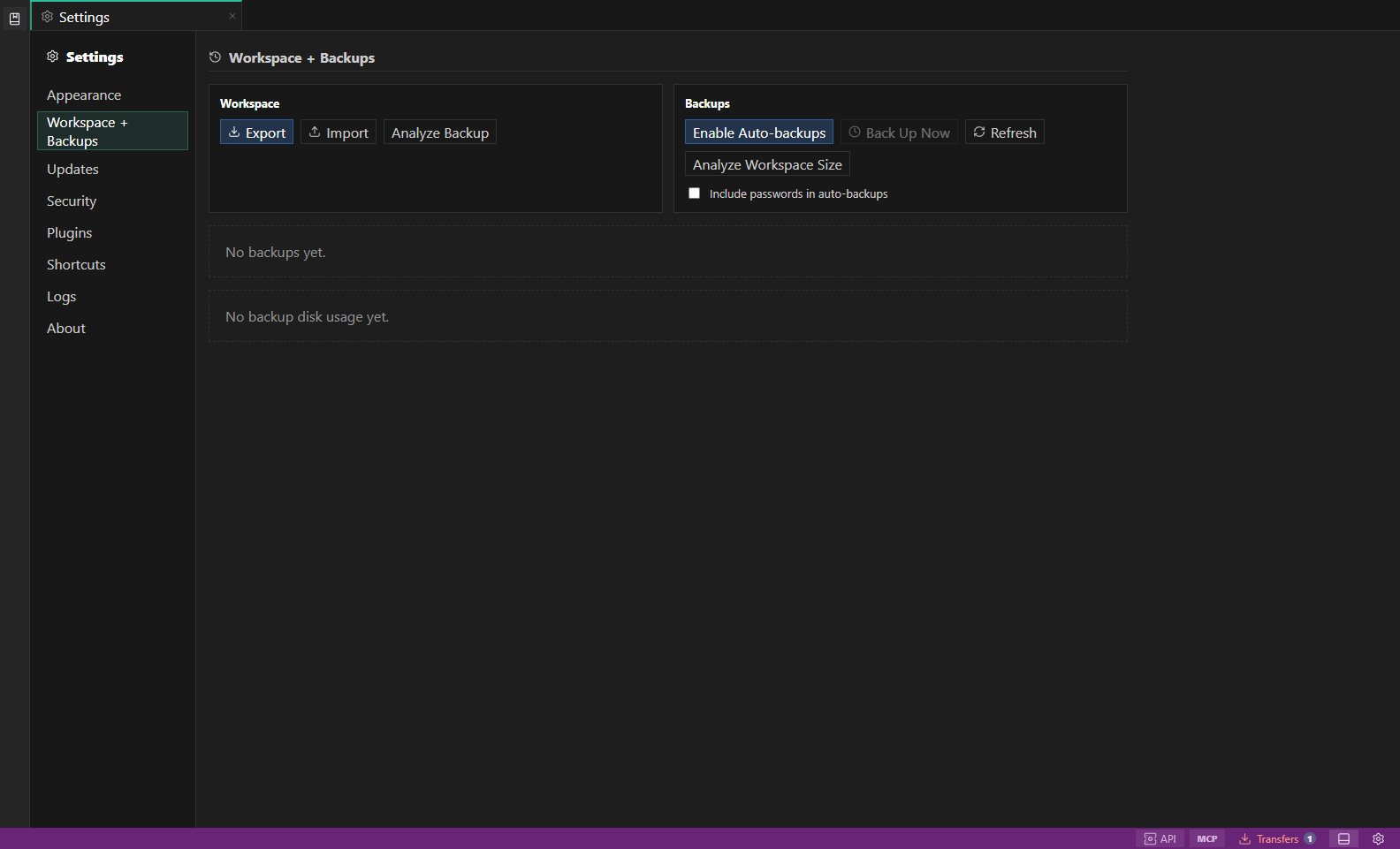
Settings and backups. Workspace bundles, encrypted backups, appearance, health, and shortcuts. Open full size - 2
Read section contributions
Compare connections, environments, open/closed tabs, saved work, execution history, adapter data, and refreshable payload contributions by byte count.
- 3
Inspect the largest tabs
The report splits large tab contributions into draft, history, object, metrics, and test state without displaying queries or values.
- 4
Analyze an existing backup
Unlock a bundle through Analyze Backup to inspect encrypted, compressed, and decrypted sizes without importing it.
- 5
Understand normalization
New persistence omits refreshable results/diagnostics and bounds execution history while preserving saved queries, current drafts, targets, definitions, and layout.
Task and control reference
The workbench keeps the active connection, environment, target scope, query mode, and panel state visible. Review that context before you run, edit, export, or administer anything.
Safety boundaries
Troubleshooting
| Symptom | What to check |
|---|---|
| A control is disabled | Read its disabled reason, then verify target scope, connection health, read-only mode, environment policy, and feature maturity. |
| The screen does not match this guide | Confirm the app version and platform, refresh the active tab, and check whether the feature is marked Experimental, Plan only, or Unavailable. |
| The operation produces no rows | Open Messages and History, verify the selected datastore scope, replace the sample object names with names from your datastore, and retry with a bounded read. |