
Connections, environments, and secrets
Check Connection Health
Test connectivity, inspect capability warnings, and diagnose a failing profile.
Prerequisites
- Open DataPad++ and the workspace where you want to organize your own connections and saved work.
- Connect with an account you are authorized to use, and keep it read-only until your task requires a reviewed write.
Quickstart
- 1
Open the connection dialog
Open the saved profile settings from Library. Confirm datastore, Connection method, endpoint, environment, scope, credentials, TLS, and Read-only connection. Expand Authentication, TLS & certificates, or Advanced only as needed.
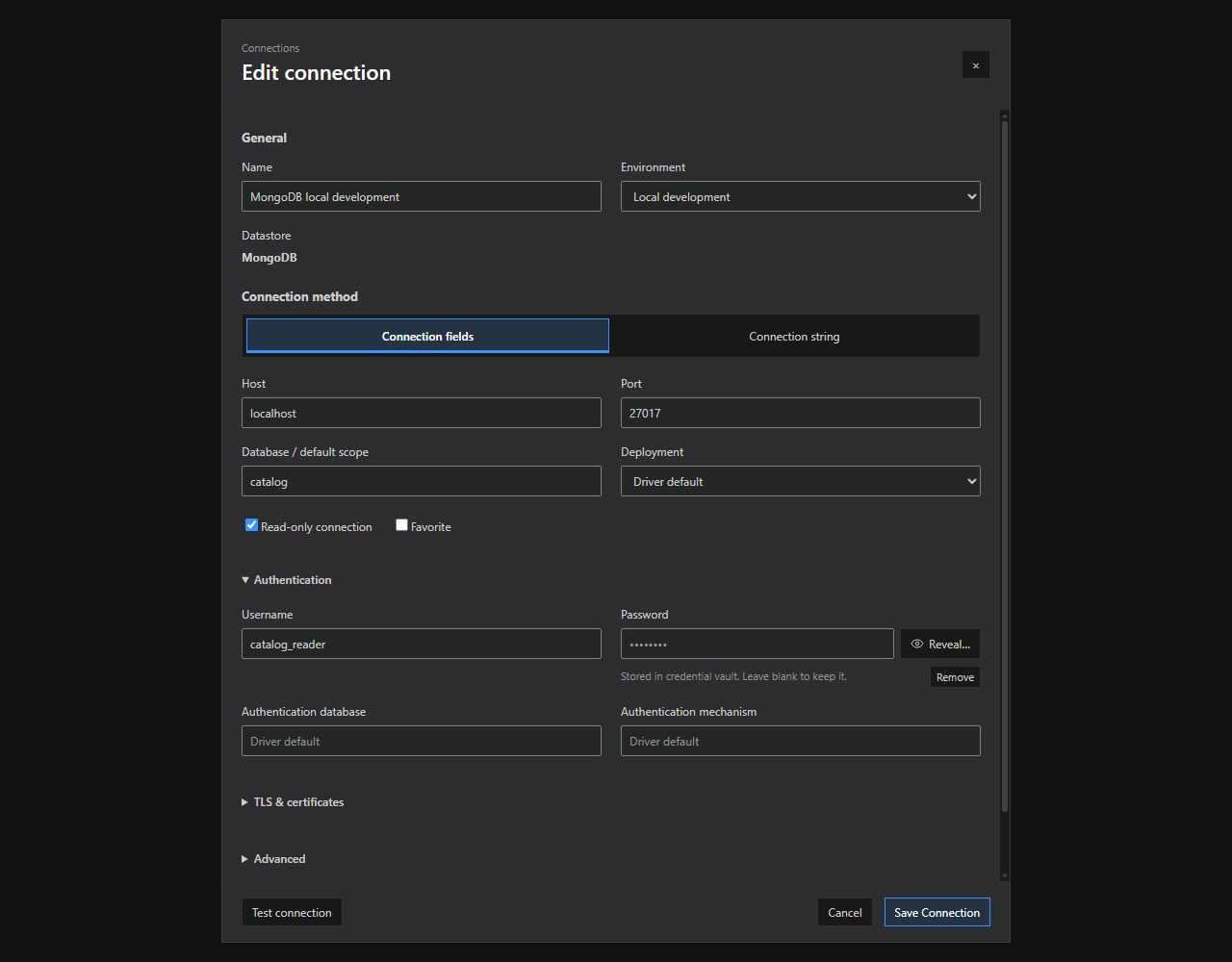
Connection editor. Connection method tabs, grouped options, and saved-credential controls in the current connection dialog. Open full size - 2
Test the draft when available
Choose Test connection; testing does not save the profile or credentials. New local files must be created first, and pending secondary credential changes or removals must be saved before testing. Read the disabled-button tooltip. Results distinguish transport/authentication failures from permission and capability warnings.
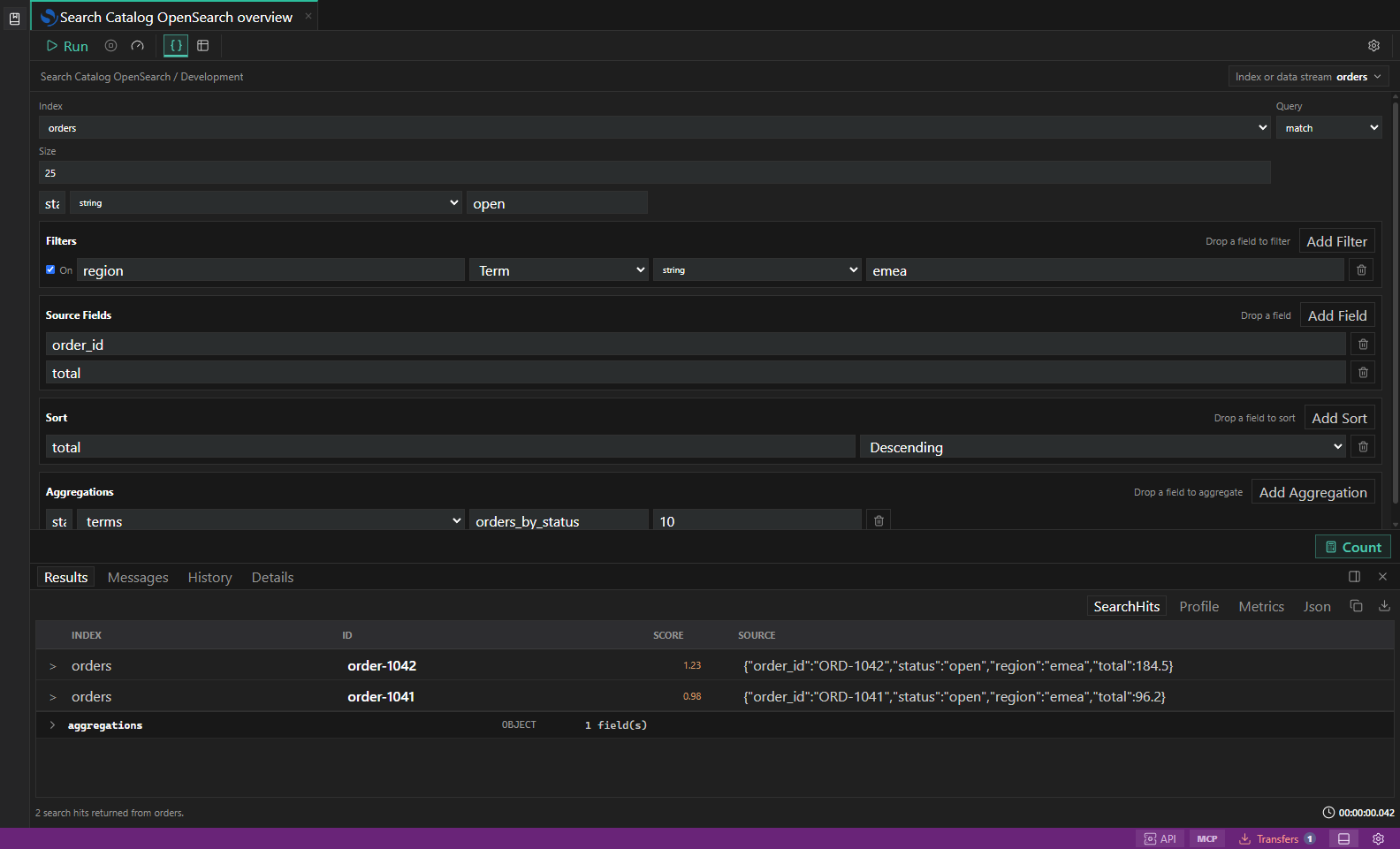
Search diagnostics. Index, mapping, profile, shard, and slow-log inspection surfaces. Open full size - 3
Open diagnostics
Use the Diagnostics drawer to inspect timing, endpoint and adapter evidence, server metadata, and safe suggested actions.
- 4
Refresh the Explorer
After a successful test, refresh the relevant branch. Empty branches usually mean scope or metadata permission problems, not a successful empty database.
- 5
Escalate safely
Copy redacted diagnostics only. Never include tokens, passwords, personal file paths, or full production connection strings in an issue.
Task and control reference
| Surface or task | How to use it |
|---|---|
| Test connection | Validates endpoint, authentication, TLS, selected environment, and adapter handshake. |
| Capability warning | Explains partial metadata, query, edit, diagnostics, admin, or transfer support. |
| Diagnostics drawer | Shows redacted evidence and retry guidance for the selected connection or run. |
| Security Checks | Audits profile posture without silently modifying the datastore. |
Common failure states
| Problem | Resolution |
|---|---|
| The expected surface is hidden | Use the activity bar, View command, status-bar entry point, or Ctrl/Cmd+J for the panel and Ctrl/Cmd+B for the sidebar. |
| The tab has stale context | Refresh the tab, reselect its connection and scope, or open a new tab from the intended Explorer object. |
| A preview cannot execute | The feature may be preview-only for that datastore. Keep the generated plan or use the documented native-tool fallback. |