
Datastore-specific guides
Understand Datastore Coverage
Understand which datastore features are available, guarded, in preview, or unavailable before you rely on them.
Prerequisites
- Install the current DataPad++ desktop pre-release and open the workspace where you want to organize your connections and saved work.
- Have access to a datastore or database file you are authorized to inspect. Start read-only with a least-privileged account.
Quickstart
- 1
Start with the datastore directory
The datastore docs list every declared engine and describe connection fields, object models, query modes, result views, diagnostics, import/export, and safety boundaries.
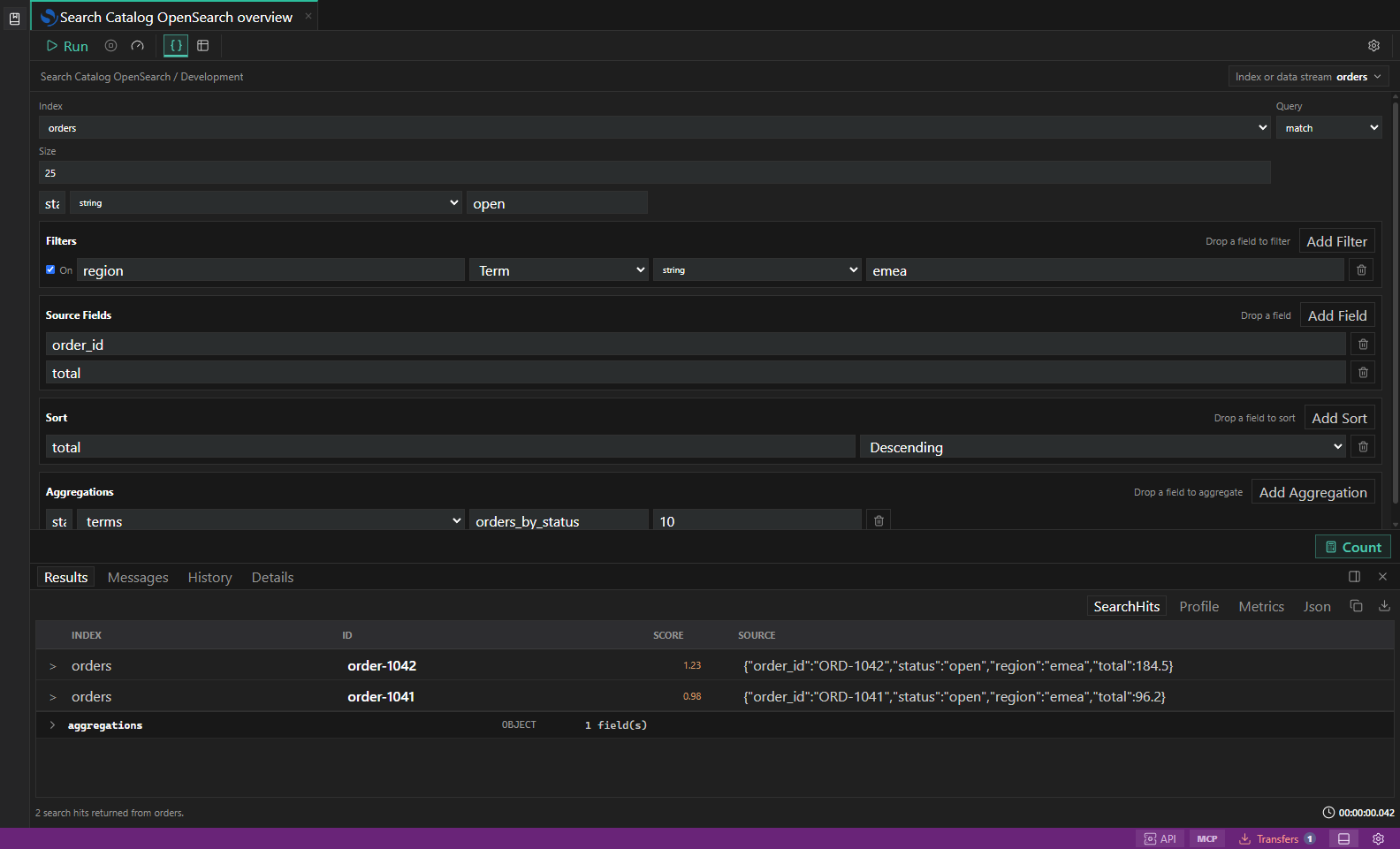
Search diagnostics. Index, mapping, profile, shard, and slow-log inspection surfaces. Open full size - 2
Read the availability labels
Available features can be used with a supported connection. Guarded features require additional permissions or confirmation. Preview features can change and may support only part of the workflow. Unavailable controls include a reason and, when possible, a safer alternative.
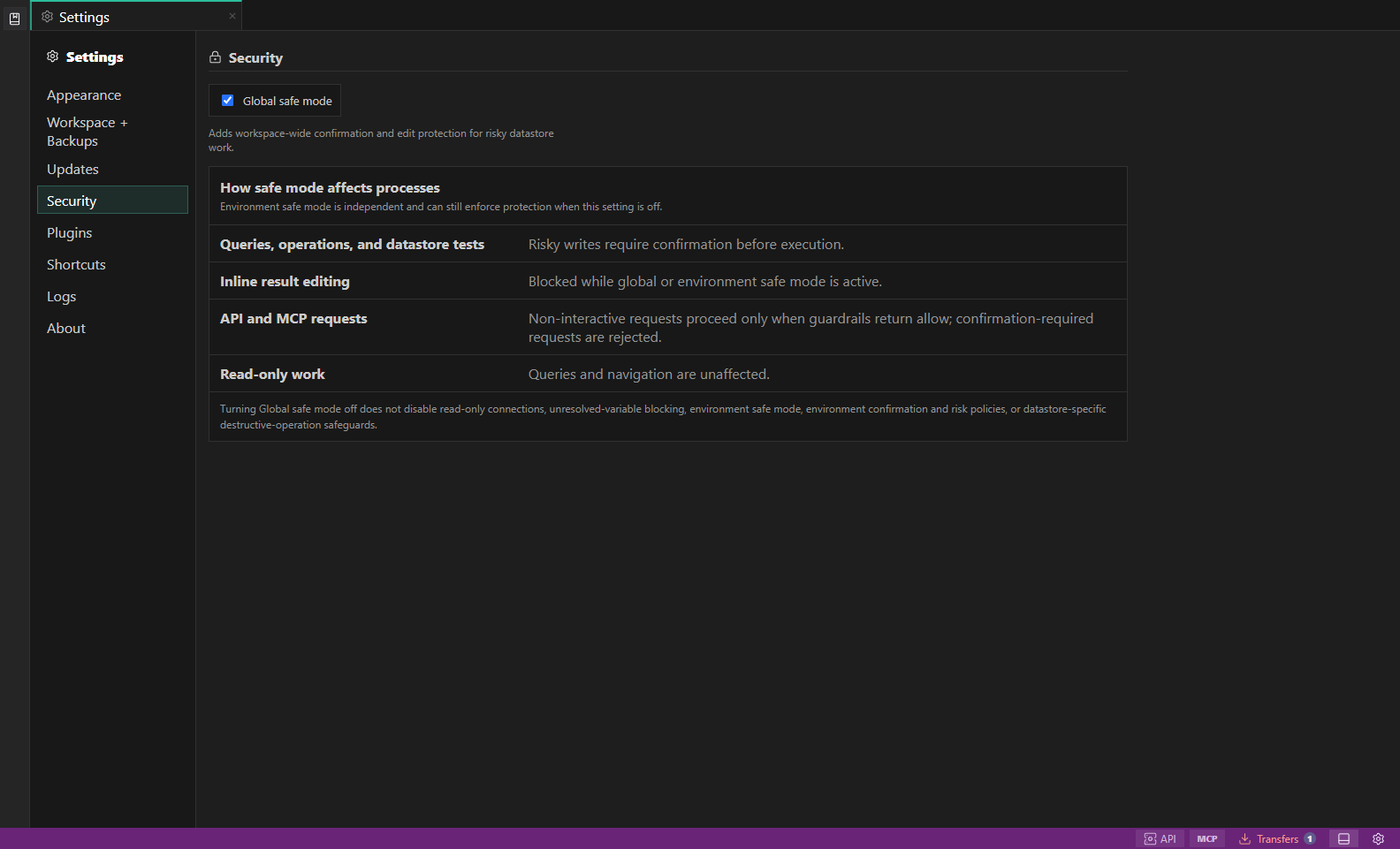
Security settings. Global safe mode explains how risky writes, inline edits, API and MCP requests, and read-only work are guarded. Open full size - 3
Review limitations
A guide calls out unsupported authentication modes, high-cost operations, destructive administration, and import/export limits so you can choose an appropriate workflow before connecting.
- 4
Check your connection and permissions
Open the guide for your datastore to verify supported authentication, required metadata permissions, query modes, result views, diagnostics, and transfer boundaries before using an important system.
- 5
Use read-only first
Begin with a read-only profile and a development or staging target until you trust the connection, credentials, selected scope, and environment guardrails.
Task and control reference
The workbench keeps the active connection, environment, target scope, query mode, and panel state visible. Review that context before you run, edit, export, or administer anything.
Safety boundaries
Troubleshooting
| Symptom | What to check |
|---|---|
| A control is disabled | Read its disabled reason, then verify target scope, connection health, read-only mode, environment policy, and feature maturity. |
| The screen does not match this guide | Confirm the app version and platform, refresh the active tab, and check whether the feature is marked Experimental, Plan only, or Unavailable. |
| The operation produces no rows | Open Messages and History, verify the selected datastore scope, replace the sample object names with names from your datastore, and retry with a bounded read. |