
Querying and query builders
Build Valid Typed Queries
Create nested filters with type-aware values, validated JSON, and native array predicates.
Prerequisites
- Install the current DataPad++ desktop pre-release and open the workspace where you want to organize your connections and saved work.
- Have access to a datastore or database file you are authorized to inspect. Start read-only with a least-privileged account.
Quickstart
- 1
Choose the field and operator
The builder uses explicit group ownership for AND/OR nesting. Enabled invalid rows block compilation instead of being dropped or replaced with a stale query.
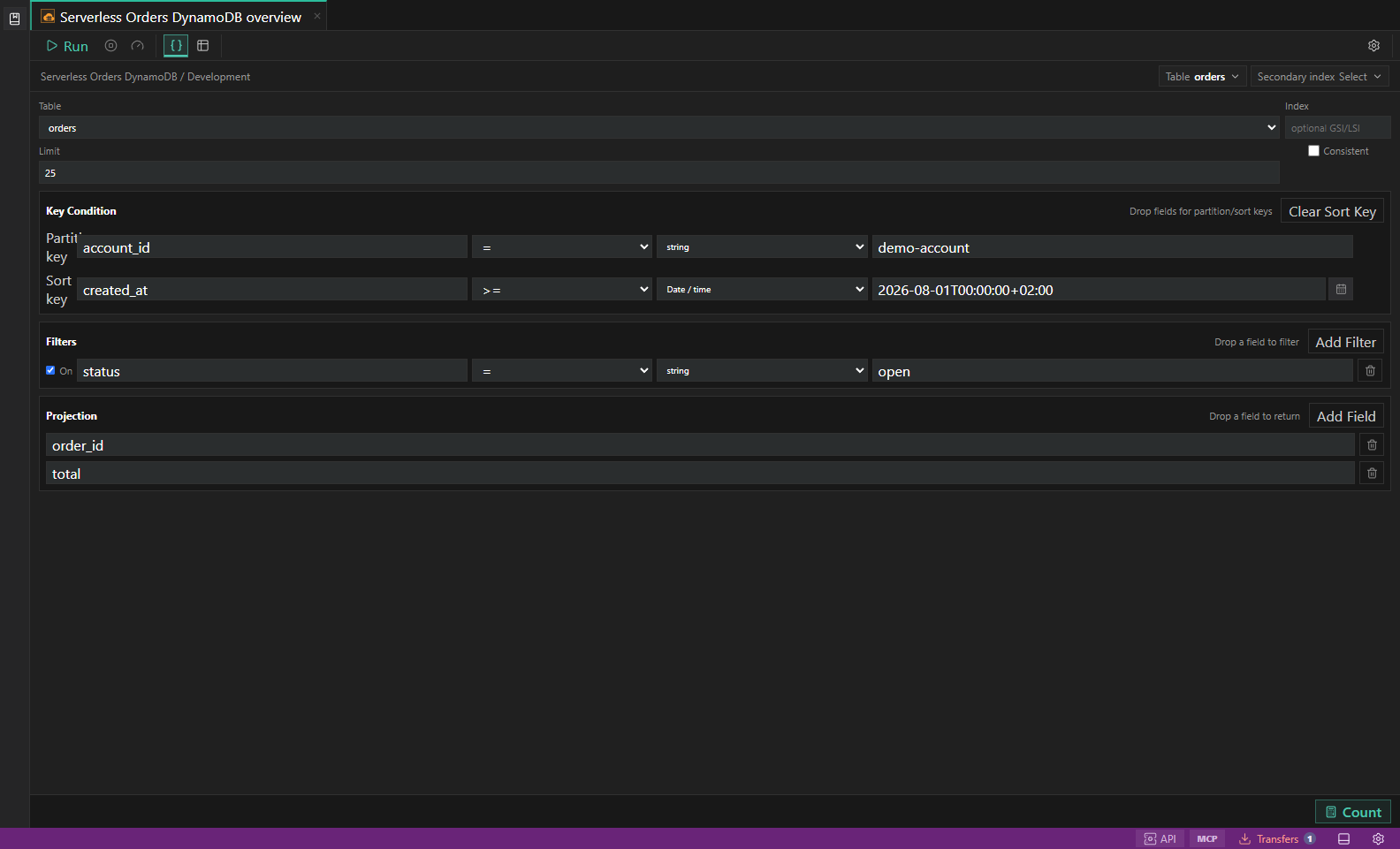
Typed query builder values. A Date/time filter using a timezone-aware ISO value and the compact native picker before query execution. Open full size - 2
Select the value type
Strings, finite numbers, booleans, timezone-bearing dates, UUID/GUID values, MongoDB ObjectIds, JSON, and multi-value inputs validate before compilation.
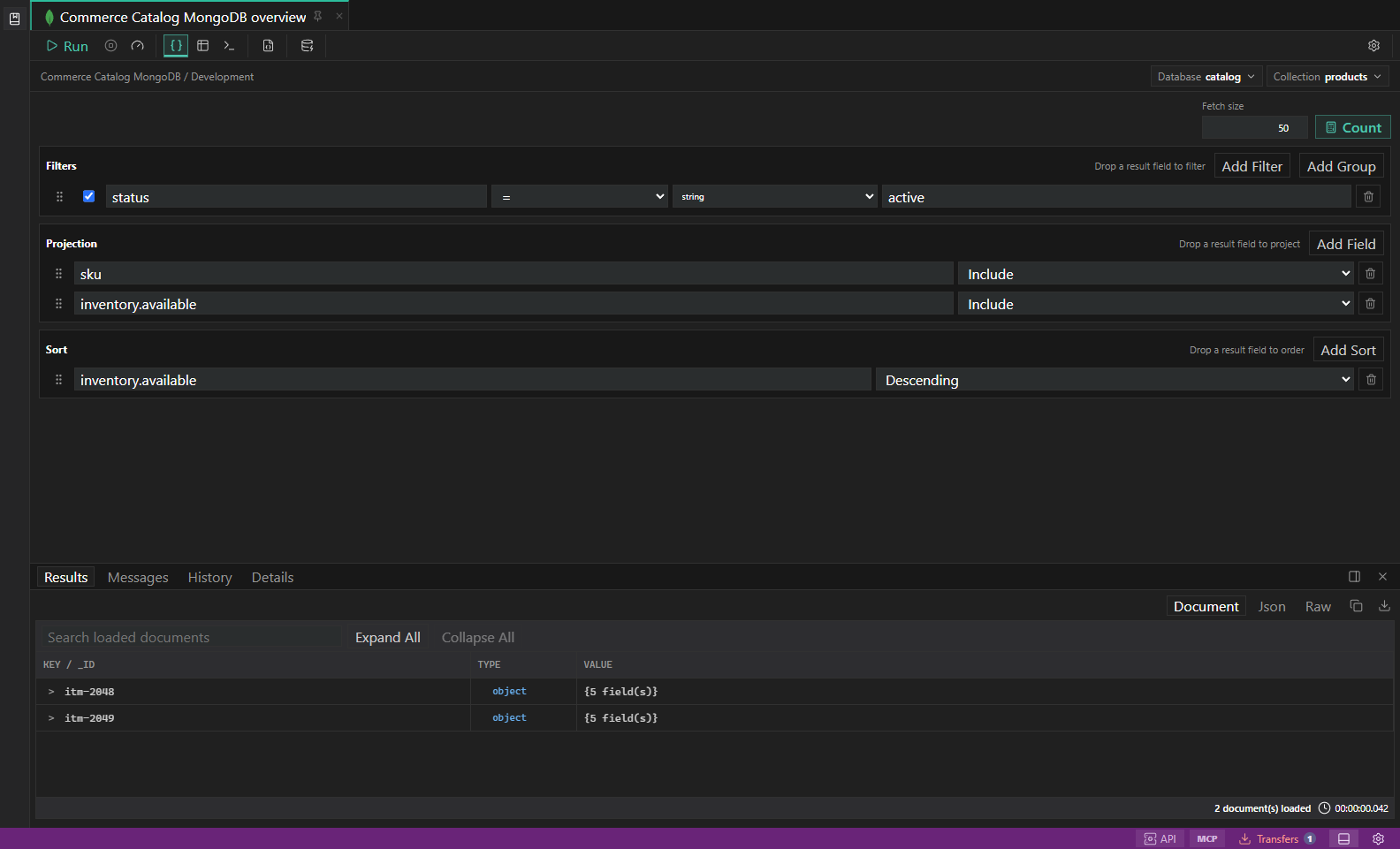
MongoDB query builder. Filters, projections, sort, explain plans, and document results. Open full size - 3
Edit JSON in the dialog
Open the JSON editor for more space, format/search the draft, choose Validate, and apply only after the current text passes. Invalid text remains available for correction.
- 4
Use native array predicates
Has Items, Has No Items, and Has Length appear only where a reliable server-side expression exists. Missing, null, and scalar values do not count as empty arrays.
- 5
Run only a valid compilation
Run, Count, and Use in Query Editor remain disabled while the builder is invalid. Performance guidance identifies predicates that may be computed or non-indexed.
Task and control reference
The workbench keeps the active connection, environment, target scope, query mode, and panel state visible. Review that context before you run, edit, export, or administer anything.
Safety boundaries
Troubleshooting
| Symptom | What to check |
|---|---|
| A control is disabled | Read its disabled reason, then verify target scope, connection health, read-only mode, environment policy, and feature maturity. |
| The screen does not match this guide | Confirm the app version and platform, refresh the active tab, and check whether the feature is marked Experimental, Plan only, or Unavailable. |
| The operation produces no rows | Open Messages and History, verify the selected datastore scope, replace the sample object names with names from your datastore, and retry with a bounded read. |