
Plugins
Build Datastore Test Suites
Capture repeatable setup, execute, assertion, and teardown checks beside the datastore they validate.
Prerequisites
- Open the workspace where you want this plugin to be available and review its current maturity in Settings → Plugins.
- Confirm the platform boundary: Editor availability is workspace-scoped; live execution depends on the desktop adapter and target capability.
- Use only connections, environments, resources, and credentials you are authorized to access.
Quickstart
- 1
Enable the experimental plugin
Datastore Tests is disabled by default per workspace. Enable it from Settings → Plugins; disabling it later preserves every saved suite, case, result, and draft.
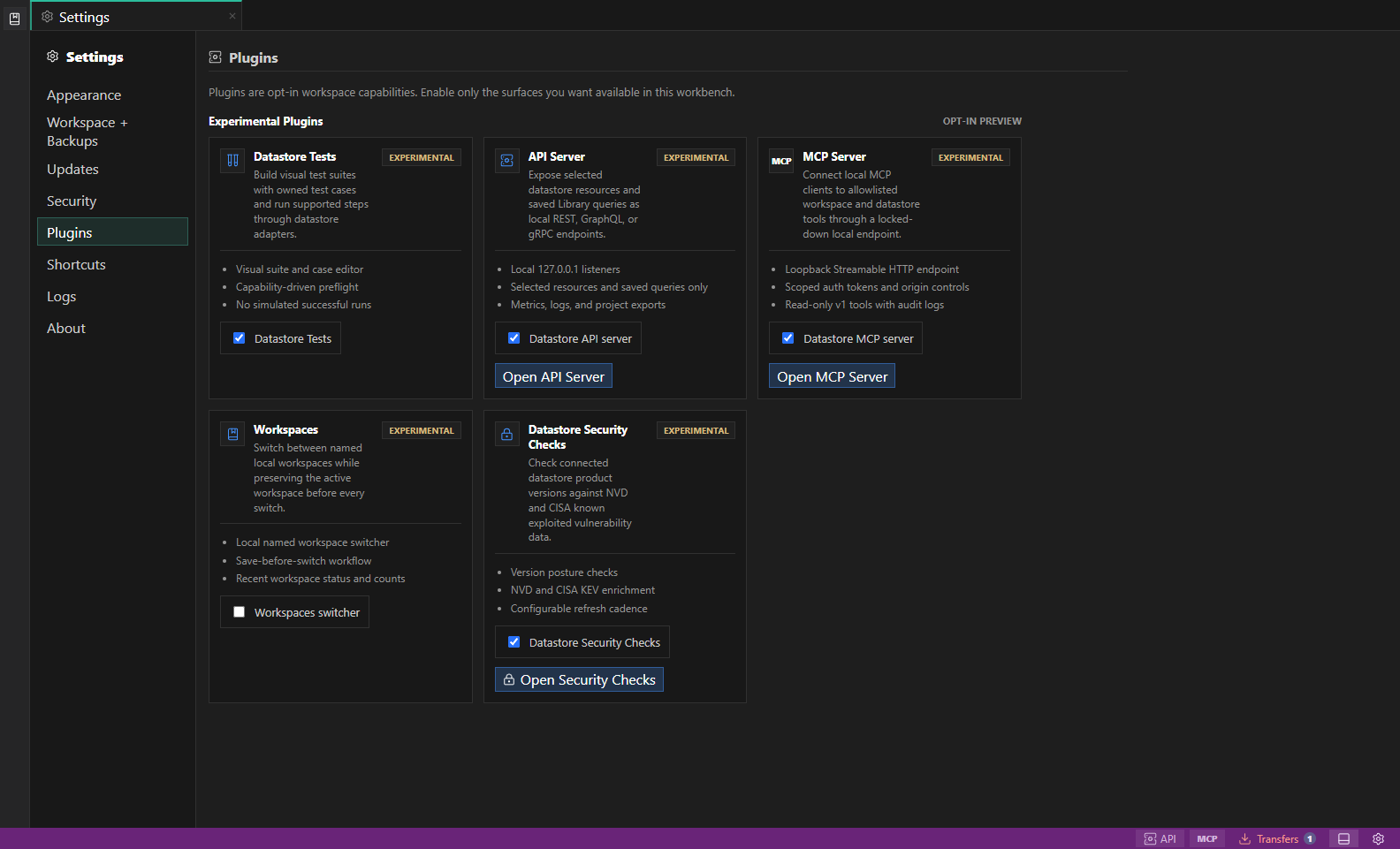
Experimental plugin settings. Experimental plugins identify their current feature boundary before you enable them for the workspace. Open full size - 2
Bind the suite to its datastore target
Choose one connection, one assigned environment, and a live database, table, view, collection, Redis/Valkey prefix, or DynamoDB table. Explorer actions open the same dialog with their object preselected. The binding is immutable after creation.
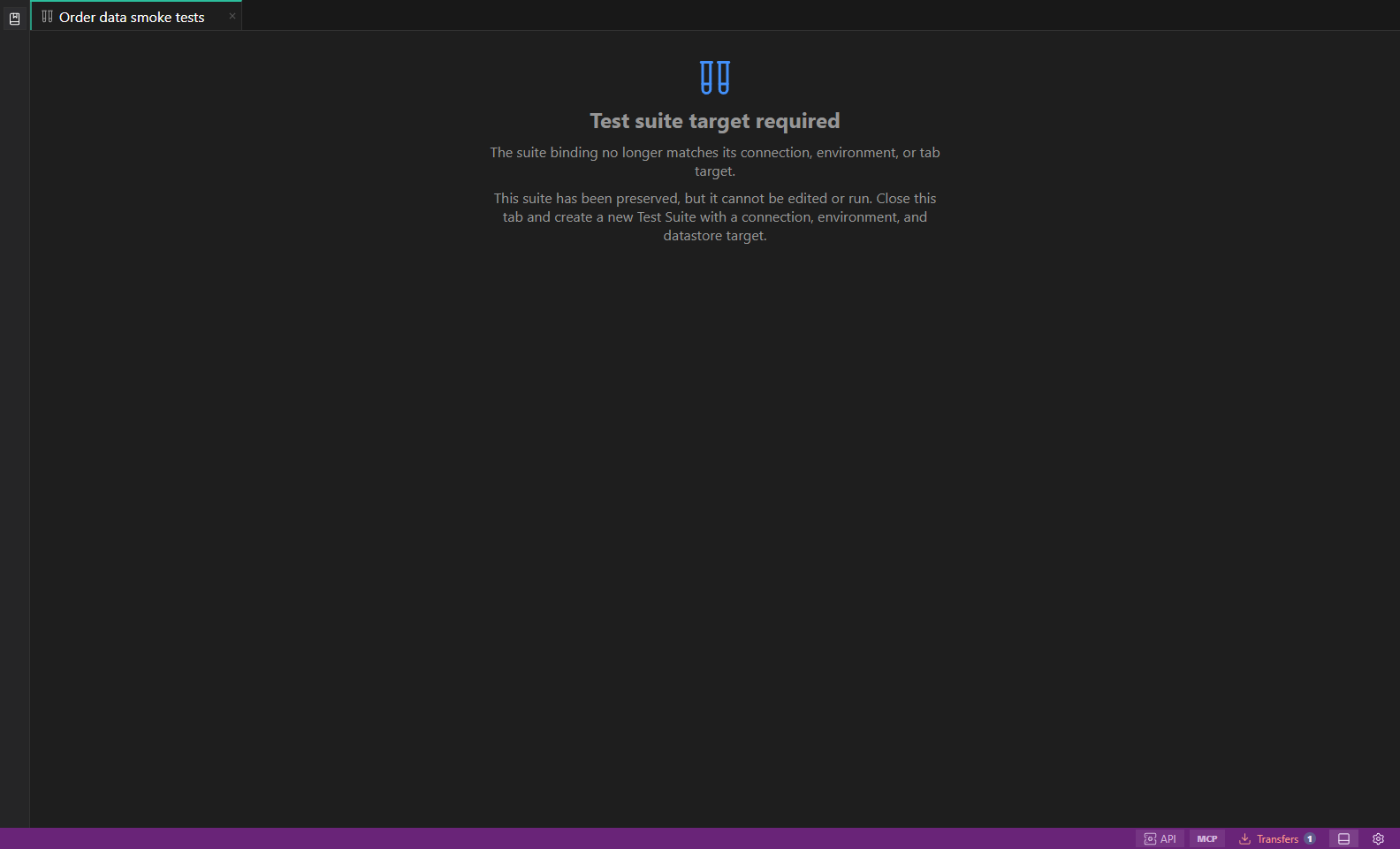
Datastore test suites. The test-suite workspace explains that a saved datastore target is required before cases can run. Open full size - 3
Create and navigate owned cases
A Test Suite owns one or more Test Cases. Every case inherits the suite binding. Select virtual case children beneath the suite in the Library, then add, duplicate, reorder, disable, or remove cases in the visual editor.
- 4
Build visual steps
Add and remove query, builder, data-edit, or adapter-operation steps in Setup, Execute, and Teardown. The provider infers query language and generates a starter for the selected target; structured steps cannot retarget another datastore object.
- 5
Add assertions
Choose a source step, comparison, path or field, expected value, and timeout for assertions such as row count, document count, key existence, JSON path, no-error, or duration-under.
- 6
Review preflight and run real checks
Preflight shows the immutable connection, environment, target, inferred language, adapter support, redacted generated requests, blockers, warnings, and an exact one-time phrase for writes. Ambiguous raw requests are warned; unsupported work is never reported as a simulated pass.
- 7
Run a case or the suite
Run one focused case or every enabled case. Setup and Execute fail fast, Teardown is attempted after failures, and later cases continue after ordinary failures.
Features
| Feature | How to use it |
|---|---|
| Visual suites and cases | Create suite-owned cases without maintaining a separate script file. |
| Immutable target binding | Bind the suite to one connection, environment, and datastore object when it is created. |
| Phased steps | Compose Setup, Execute, and Teardown from supported queries, builders, edits, and adapter operations. |
| Assertions | Check row or document counts, key existence, JSON paths, errors, and duration limits. |
| Capability preflight | Review generated operations, blockers, warnings, and confirmation requirements before a run. |
| Run evidence | Run one case or a suite and inspect pass, failure, blocked, timing, and teardown outcomes. |
Availability and data boundary
| Area | Behavior |
|---|---|
| Maturity | Experimental |
| Availability | Editor availability is workspace-scoped; live execution depends on the desktop adapter and target capability. |
| Enablement | Current workspace preference. |
| Data boundary | A suite is bound to one connection, environment, and target. Observations are bounded and sensitive evidence is redacted. |
| When disabled | Saved suites, cases, results, and drafts remain available. An active test run must finish or be cancelled before disabling. |
Task and control reference
The workbench keeps the active connection, environment, target scope, query mode, and panel state visible. Review that context before you run, edit, export, or administer anything.
Safety boundaries
Troubleshooting
| Symptom | What to check |
|---|---|
| A control is disabled | Read its disabled reason, then verify target scope, connection health, read-only mode, environment policy, and feature maturity. |
| The screen does not match this guide | Confirm the app version and platform, refresh the active tab, and check whether the feature is marked Experimental, Plan only, or Unavailable. |
| The operation produces no rows | Open Messages and History, verify the selected datastore scope, replace the sample object names with names from your datastore, and retry with a bounded read. |