
Querying and query builders
Use Query History And Explain
Review previous executions, reopen a query, and inspect safe execution plans.
Prerequisites
- Open DataPad++ and the workspace where you want to organize your own connections and saved work.
- Connect with an account you are authorized to use, and keep it read-only until your task requires a reviewed write.
Quickstart
- 1
Open History
Show the bottom/right panel and select History. Filter entries by tab, target, status, or time before reopening one.
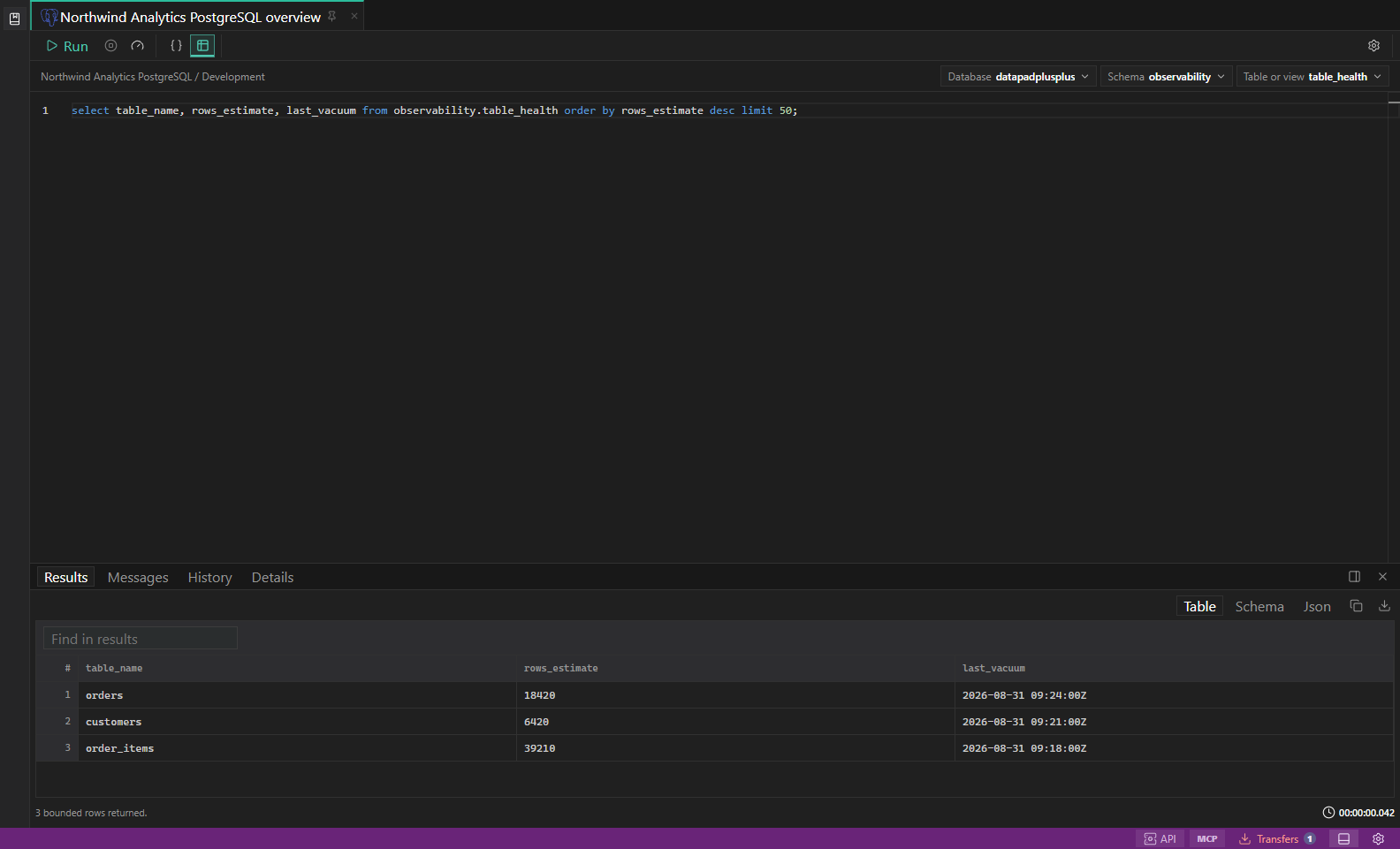
SQL query results. Editor, result grid, messages, and row selection in one workspace. Open full size - 2
Review captured context
Confirm the stored connection, environment, scope, query mode, duration, row count, and error state. History is diagnostic context, not proof that a rerun is still safe.
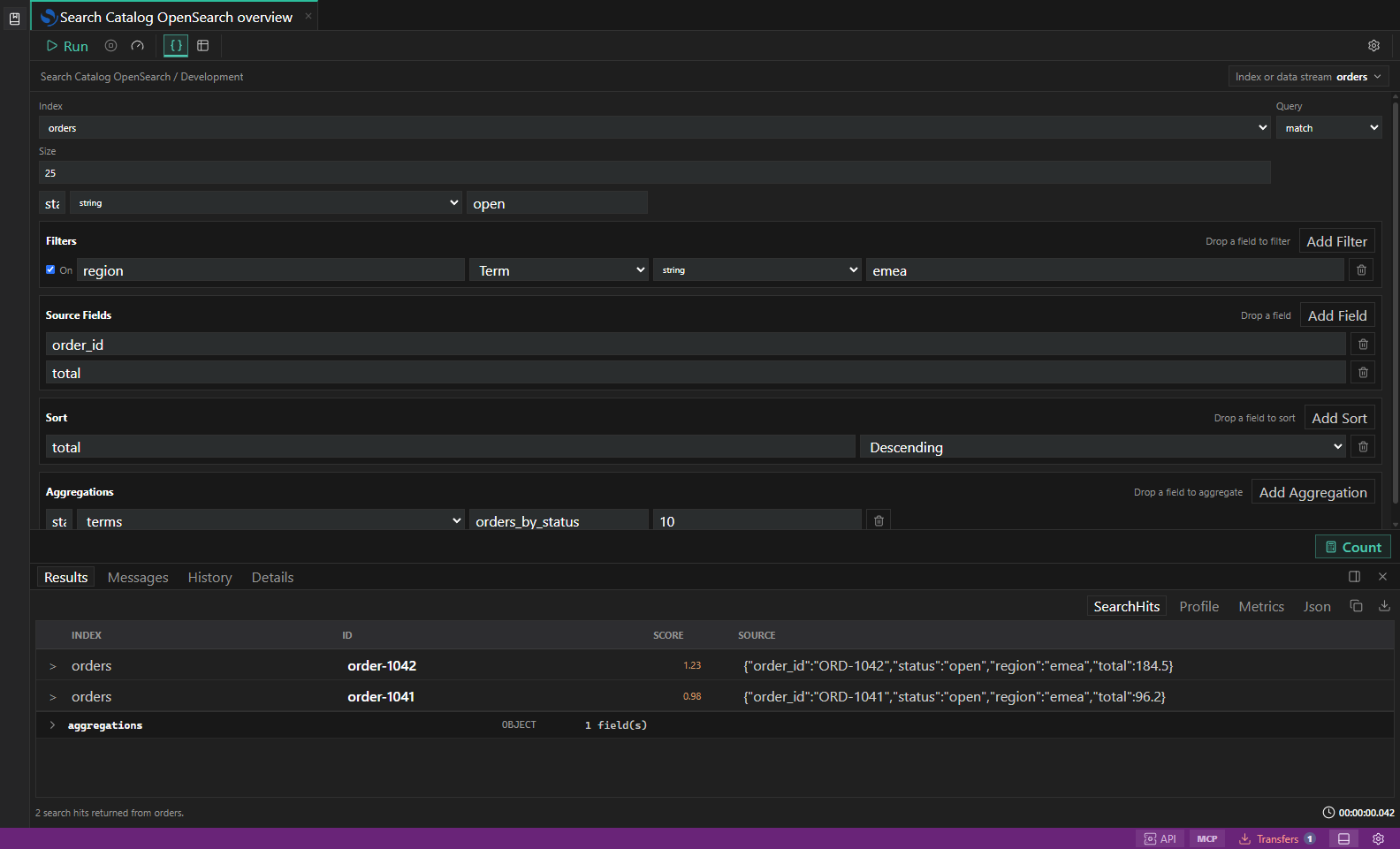
Search diagnostics. Index, mapping, profile, shard, and slow-log inspection surfaces. Open full size - 3
Reopen without running
Open the history entry in a new query tab, review it, and update any time bounds or target names before execution.
- 4
Explain a read
Select a supported read-only statement and choose Explain or Ctrl/Cmd+Shift+E. Use the rendered plan and Details panel to find scans, filters, joins, shards, or traversal cost.
- 5
Avoid accidental execution
Explain Analyze and equivalent profile modes can execute the statement. Use them only for bounded reads against safe targets.
Task and control reference
| Surface or task | How to use it |
|---|---|
| History panel | Execution timestamp, target context, status, duration, affected/returned count, and reopen action. |
| Explain | Non-executing plan where supported. |
| Explain Analyze / Profile | May execute a read and consume production resources; separately labeled and guarded. |
| Details panel | Plan nodes, raw payload, timings, notices, or adapter metadata. |
Common failure states
| Problem | Resolution |
|---|---|
| The expected surface is hidden | Use the activity bar, View command, status-bar entry point, or Ctrl/Cmd+J for the panel and Ctrl/Cmd+B for the sidebar. |
| The tab has stale context | Refresh the tab, reselect its connection and scope, or open a new tab from the intended Explorer object. |
| A preview cannot execute | The feature may be preview-only for that datastore. Keep the generated plan or use the documented native-tool fallback. |