
Workspaces, backups, and recovery
Configure Appearance, Shortcuts, And Logs
Navigate all eight Settings sections and safely collect diagnostic logs.
Prerequisites
- Open DataPad++ and the workspace where you want to organize your own connections and saved work.
- Connect with an account you are authorized to use, and keep it read-only until your task requires a reviewed write.
Quickstart
- 1
Open Settings
Use the status bar or Settings tab, then choose Appearance, Workspace + Backups, Updates, Security, Plugins, Shortcuts, Logs, or About.
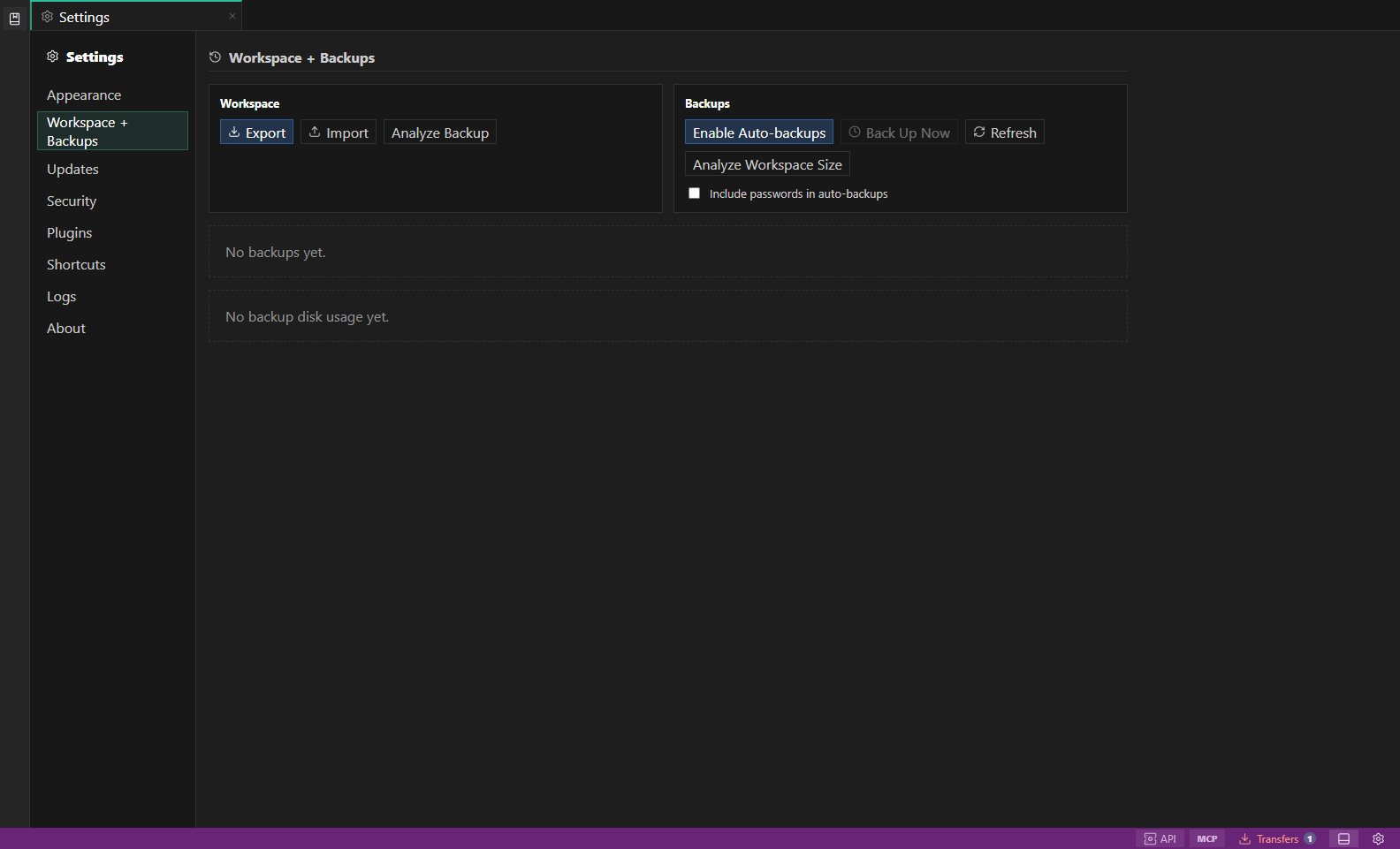
Settings and backups. Workspace bundles, encrypted backups, appearance, health, and shortcuts. Open full size - 2
Adjust appearance
Choose theme, density, editor, result-grid, and panel presentation settings. Reduced-motion preferences remain respected.
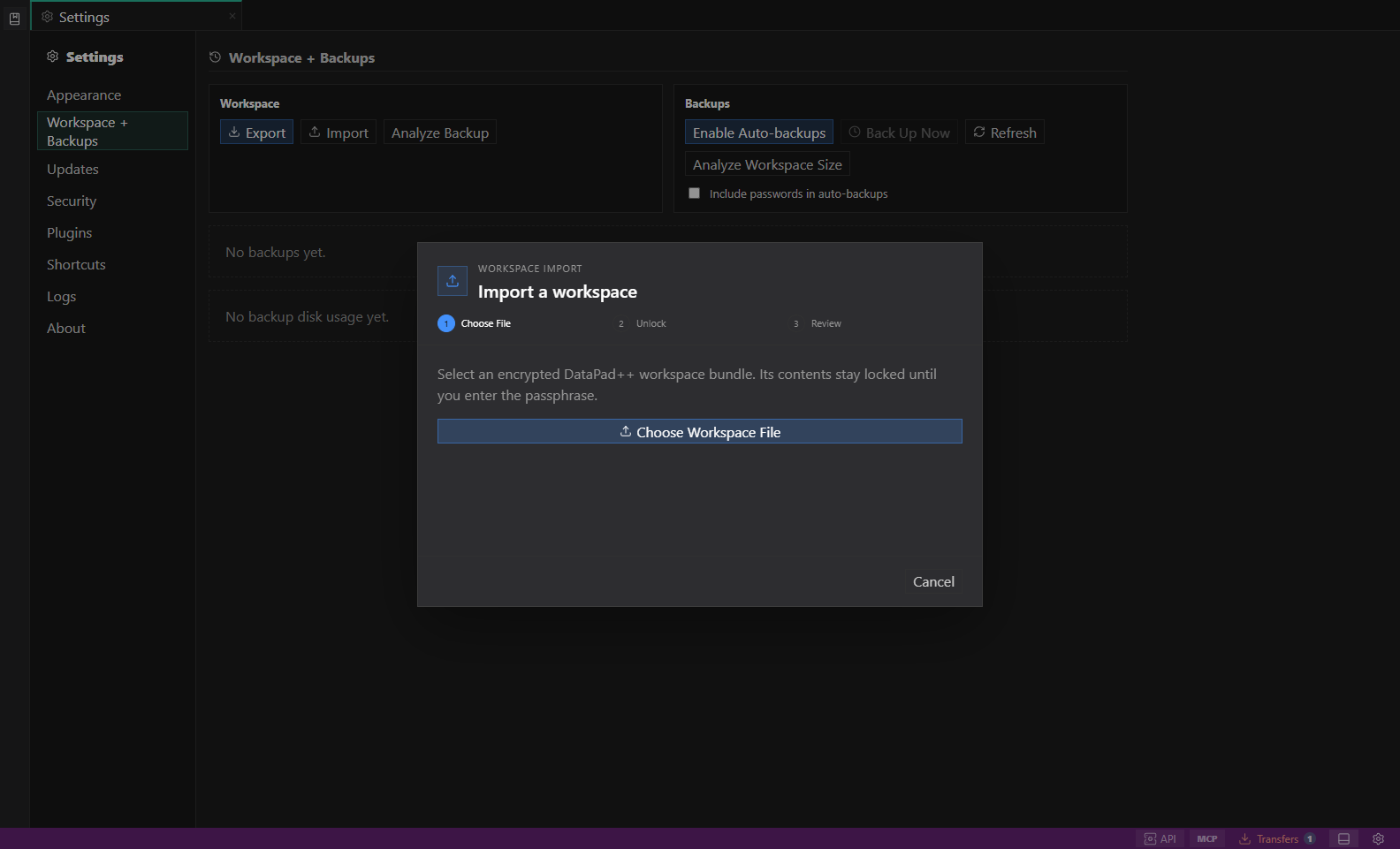
File-first workspace import. A staged choose-file, unlock, and review workflow that keeps encrypted contents closed until the passphrase is entered. Open full size - 3
Review workspace and security
Configure workspace location, backup/export behavior, update channel, secret handling, read-only defaults, and environmental guardrails.
- 4
Change shortcuts or plugins
Review conflicts before saving shortcut changes. Plugins and other experimental features show maturity and permission boundaries.
- 5
Collect redacted logs
Filter Logs by level or component, copy only the minimum diagnostic slice, and inspect it for tokens, credentials, connection strings, personal paths, and customer data before sharing.
Task and control reference
| Surface or task | How to use it |
|---|---|
| Appearance | Theme, density, editor, grid, and layout preferences. |
| Workspace + Backups | Workspace path, encrypted bundle import/export, backup posture, and size review. |
| Updates | Release channel, checks, download state, and restart guidance. |
| Security | Secret storage, read-only defaults, environment confirmation, and redaction. |
| Plugins | Experimental extension discovery, status, permissions, and disabled reasons. |
| Shortcuts | Searchable command bindings and conflict review. |
| Logs | Local diagnostic events, filters, copy/export, and redaction guidance. |
| About | Version, platform, licenses, links, and support information. |
Common failure states
| Problem | Resolution |
|---|---|
| The expected surface is hidden | Use the activity bar, View command, status-bar entry point, or Ctrl/Cmd+J for the panel and Ctrl/Cmd+B for the sidebar. |
| The tab has stale context | Refresh the tab, reselect its connection and scope, or open a new tab from the intended Explorer object. |
| A preview cannot execute | The feature may be preview-only for that datastore. Keep the generated plan or use the documented native-tool fallback. |