
Getting started
Save Work In The Library
Organize connections, saved queries, scripts, notes, tests, and reusable snippets.
Prerequisites
- Install the current DataPad++ desktop pre-release and open the workspace where you want to organize your connections and saved work.
- Have access to a datastore or database file you are authorized to inspect. Start read-only with a least-privileged account.
Quickstart
- 1
Create folders by project or system
Group related connections, saved queries, scripts, notes, and tests under folders that mirror how you actually work.
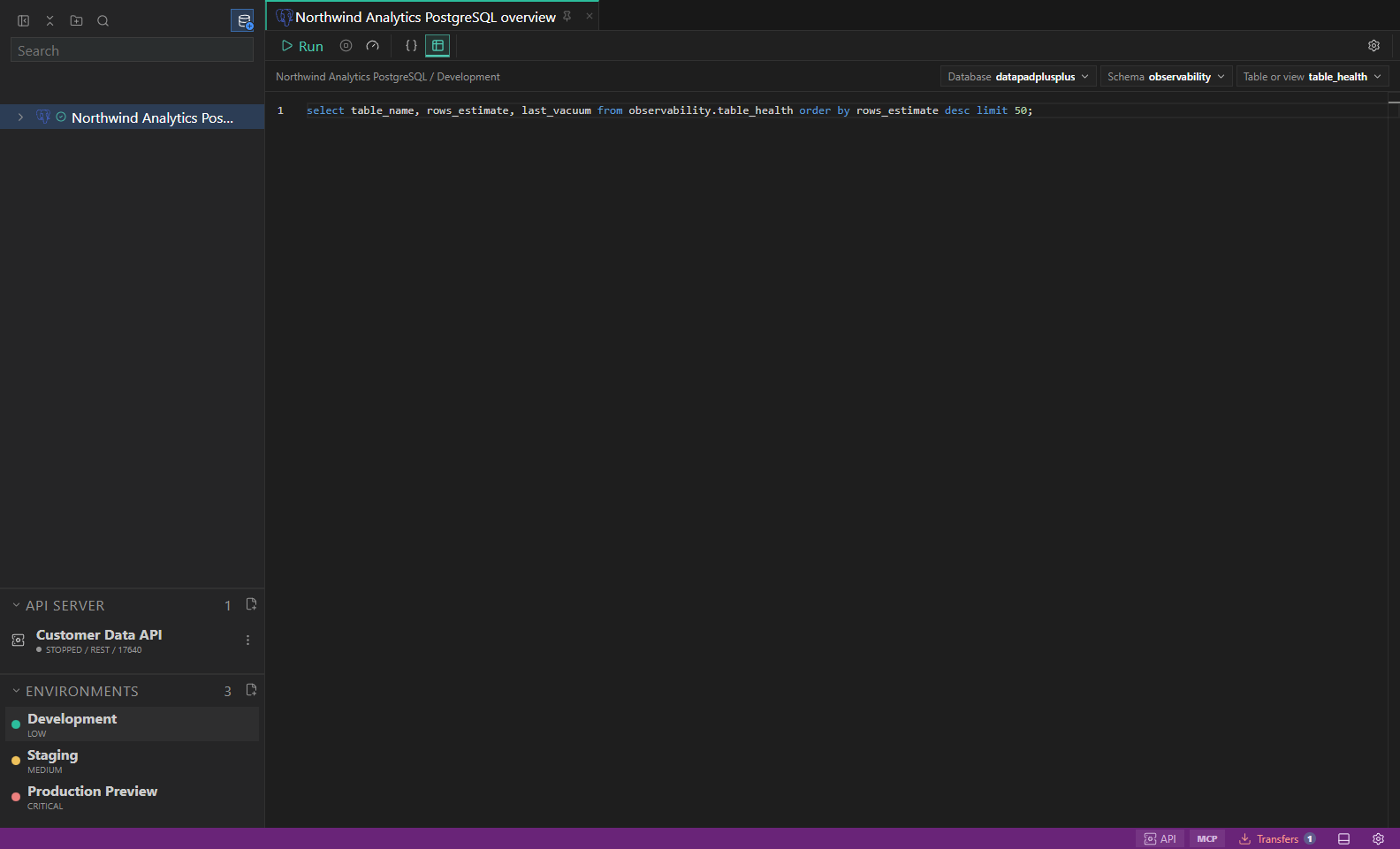
Library and environments. Saved connections, folders, scripts, and inherited environment labels. Open full size - 2
Save queries beside their target
When a query belongs to a connection, save it near that connection so the right environment and context stay visible.
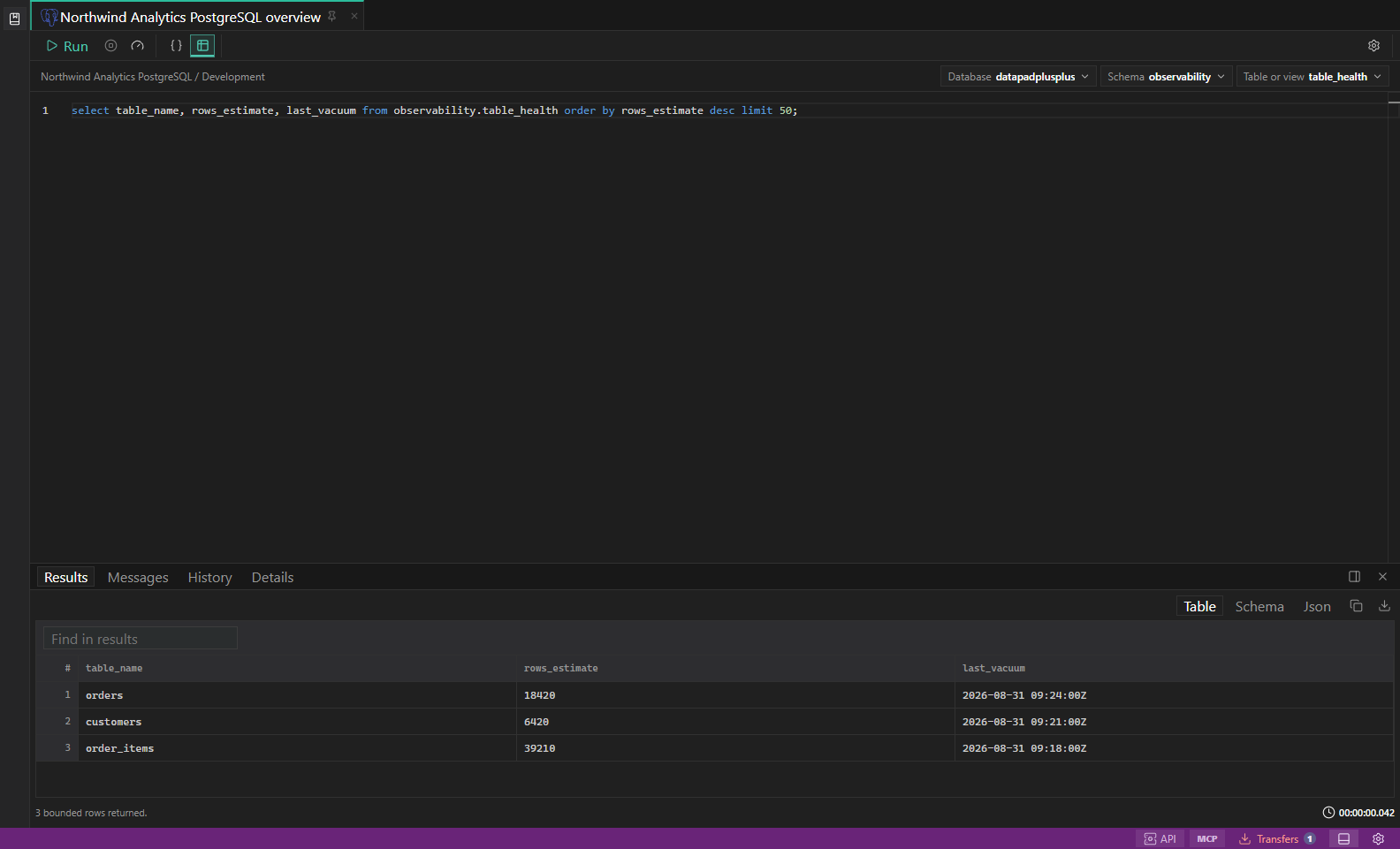
SQL query results. Editor, result grid, messages, and row selection in one workspace. Open full size - 3
Use notes for operational context
Capture reminders, safe run windows, data ownership, or production-change instructions beside the work they affect.
- 4
Avoid duplicate open tabs
Saved Library items open once so you do not accidentally edit two copies of the same reusable work.
- 5
Move work deliberately
Drag, rename, and reorganize Library items when a project changes, then confirm inherited environment context still matches.
Task and control reference
The workbench keeps the active connection, environment, target scope, query mode, and panel state visible. Review that context before you run, edit, export, or administer anything.
Safety boundaries
Troubleshooting
| Symptom | What to check |
|---|---|
| A control is disabled | Read its disabled reason, then verify target scope, connection health, read-only mode, environment policy, and feature maturity. |
| The screen does not match this guide | Confirm the app version and platform, refresh the active tab, and check whether the feature is marked Experimental, Plan only, or Unavailable. |
| The operation produces no rows | Open Messages and History, verify the selected datastore scope, replace the sample object names with names from your datastore, and retry with a bounded read. |