
Exploring and IntelliSense
Navigate Large Oracle Schemas
Page through large object catalogs and let IntelliSense complete the schema selected on the query tab.
Prerequisites
- Install the current DataPad++ desktop pre-release and open the workspace where you want to organize your connections and saved work.
- Have access to a datastore or database file you are authorized to inspect. Start read-only with a least-privileged account.
Quickstart
- 1
Select the Oracle schema
The query tab schema selector is authoritative for completion. Scoped target and current session schema are fallbacks only.
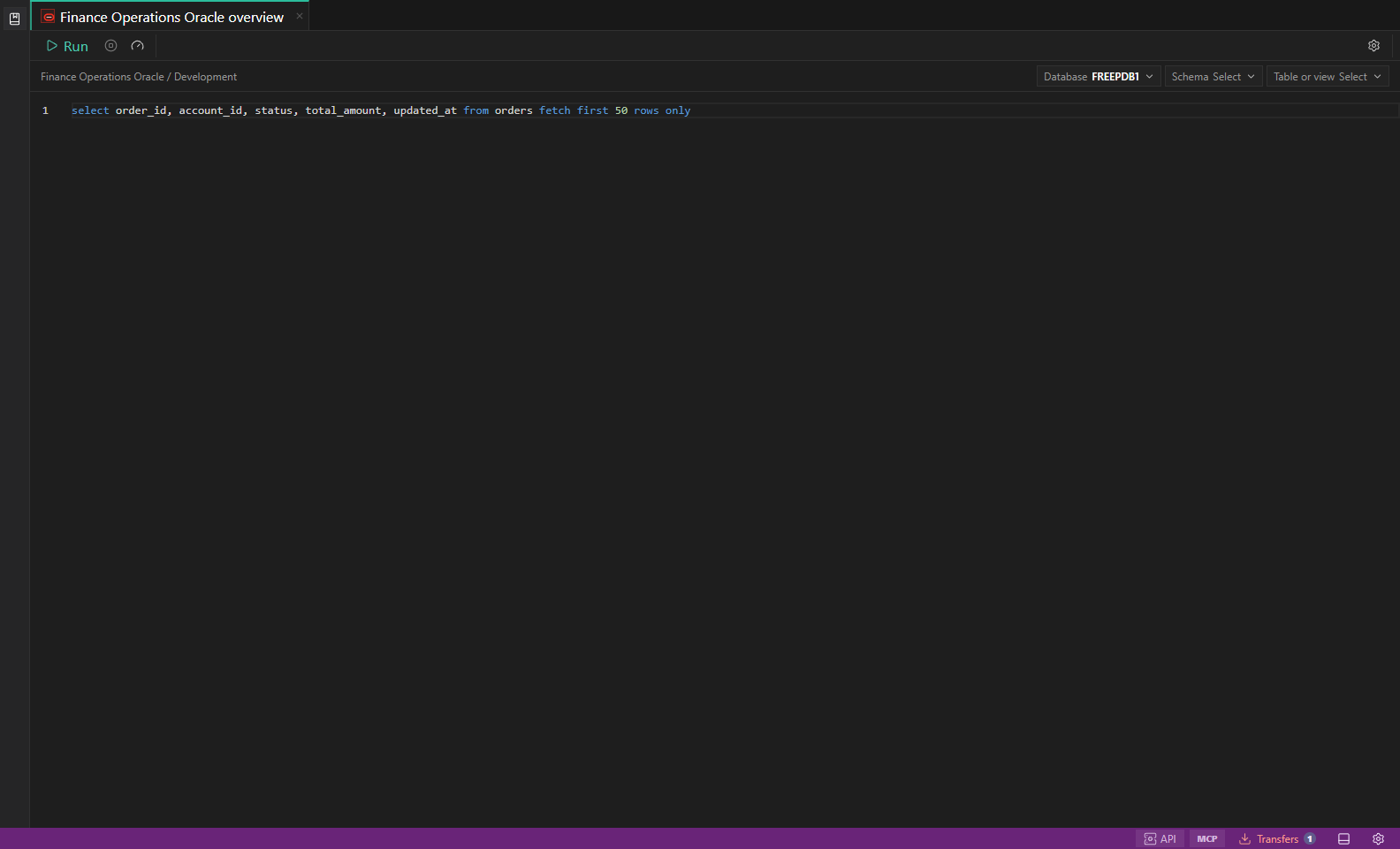
Oracle paging and completion. Load more for large Oracle schema branches with selected-schema progressive object and column completion. Open full size - 2
Expand a paged branch
Tables, Views, Materialized Views, and other large branches load deterministically in server pages rather than silently stopping at an early UI limit.
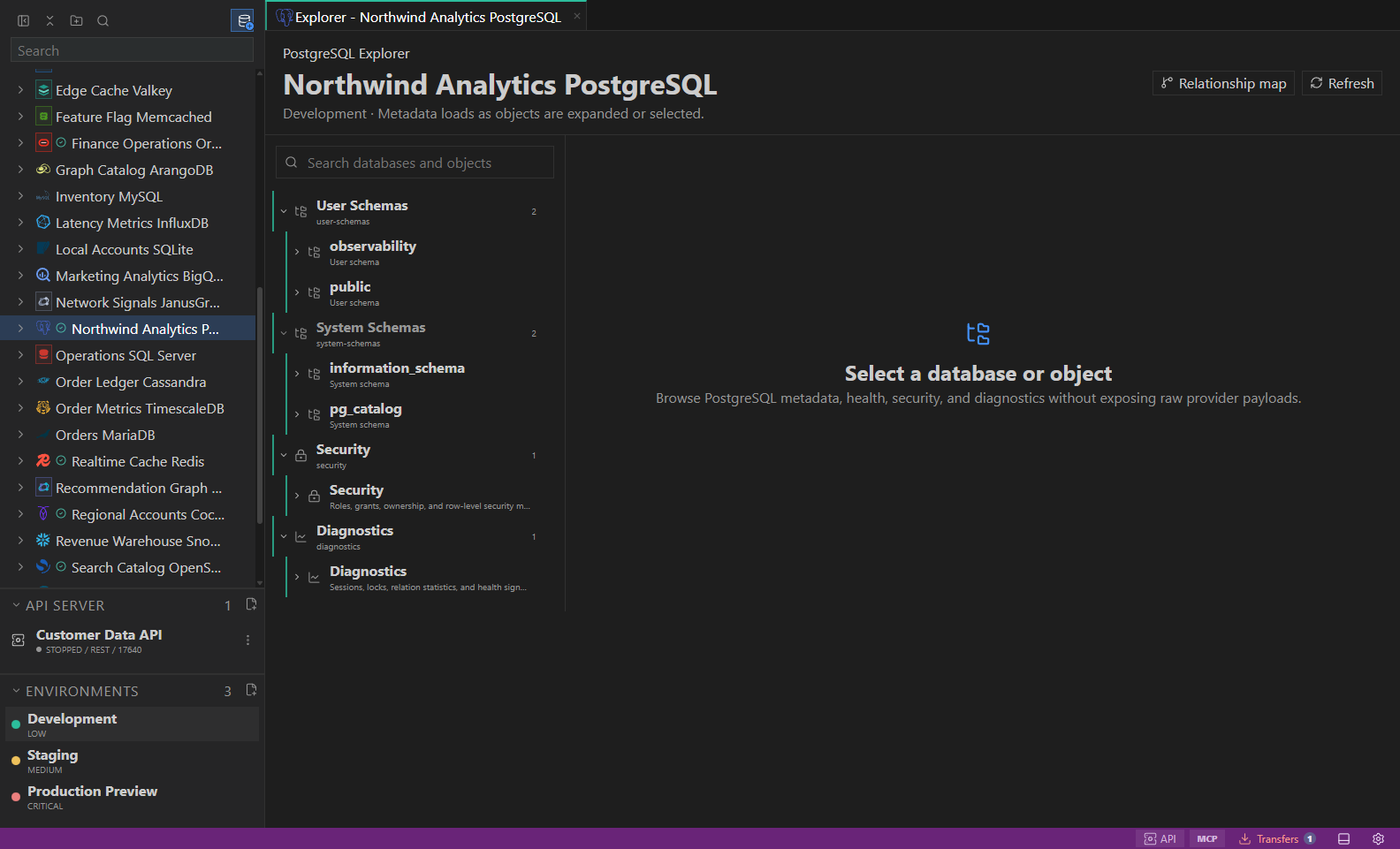
Object explorer. Datastore-owned tree with native objects and context actions. Open full size - 3
Choose Load more
Buffered children appear first, then the next cursor is requested. A failed page leaves already loaded objects available, and Refresh starts from the first page.
- 4
Let completion continue in the background
Object names load before larger column pages. Suggestions remain usable during progressive loading and a partial catalog can retry with Ctrl/Cmd+Space or schema refresh.
- 5
Preserve exact identifiers
Oracle completion and deduplication retain quoting, case, Unicode, dollar signs, and hash characters. Stale pages from another tab or schema are ignored.
Task and control reference
The workbench keeps the active connection, environment, target scope, query mode, and panel state visible. Review that context before you run, edit, export, or administer anything.
Safety boundaries
Troubleshooting
| Symptom | What to check |
|---|---|
| A control is disabled | Read its disabled reason, then verify target scope, connection health, read-only mode, environment policy, and feature maturity. |
| The screen does not match this guide | Confirm the app version and platform, refresh the active tab, and check whether the feature is marked Experimental, Plan only, or Unavailable. |
| The operation produces no rows | Open Messages and History, verify the selected datastore scope, replace the sample object names with names from your datastore, and retry with a bounded read. |