
Results and safe editing
Inspect A Complete Key-Value Value
Open, format, copy, and safely edit authoritative values without relying on shortened cell previews.
Prerequisites
- Install the current DataPad++ desktop pre-release and open the workspace where you want to organize your connections and saved work.
- Have access to a datastore or database file you are authorized to inspect. Start read-only with a least-privileged account.
Quickstart
- 1
Search without losing the draft
Edit the namespace delimiter or search pattern, then deliberately run the search. Typing no longer refreshes the page or replaces the field.
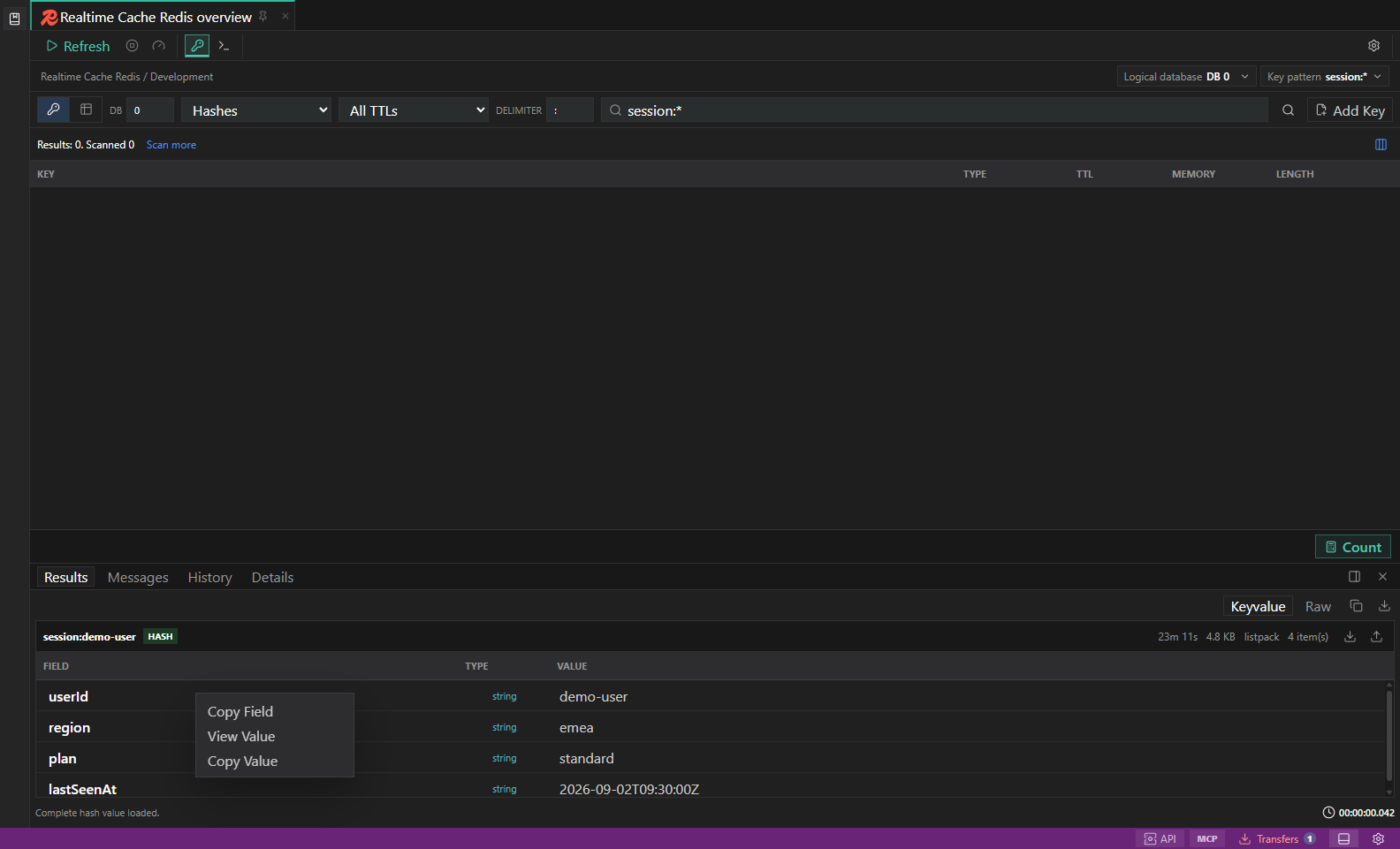
Key-value context actions. The read-only entry menu exposes copy and full-value inspection actions while mutation controls remain unavailable. Open full size - 2
Open Value from the row menu
Scalar rows avoid a redundant expansion control. Open Value requests the authoritative value in a dedicated inspector.
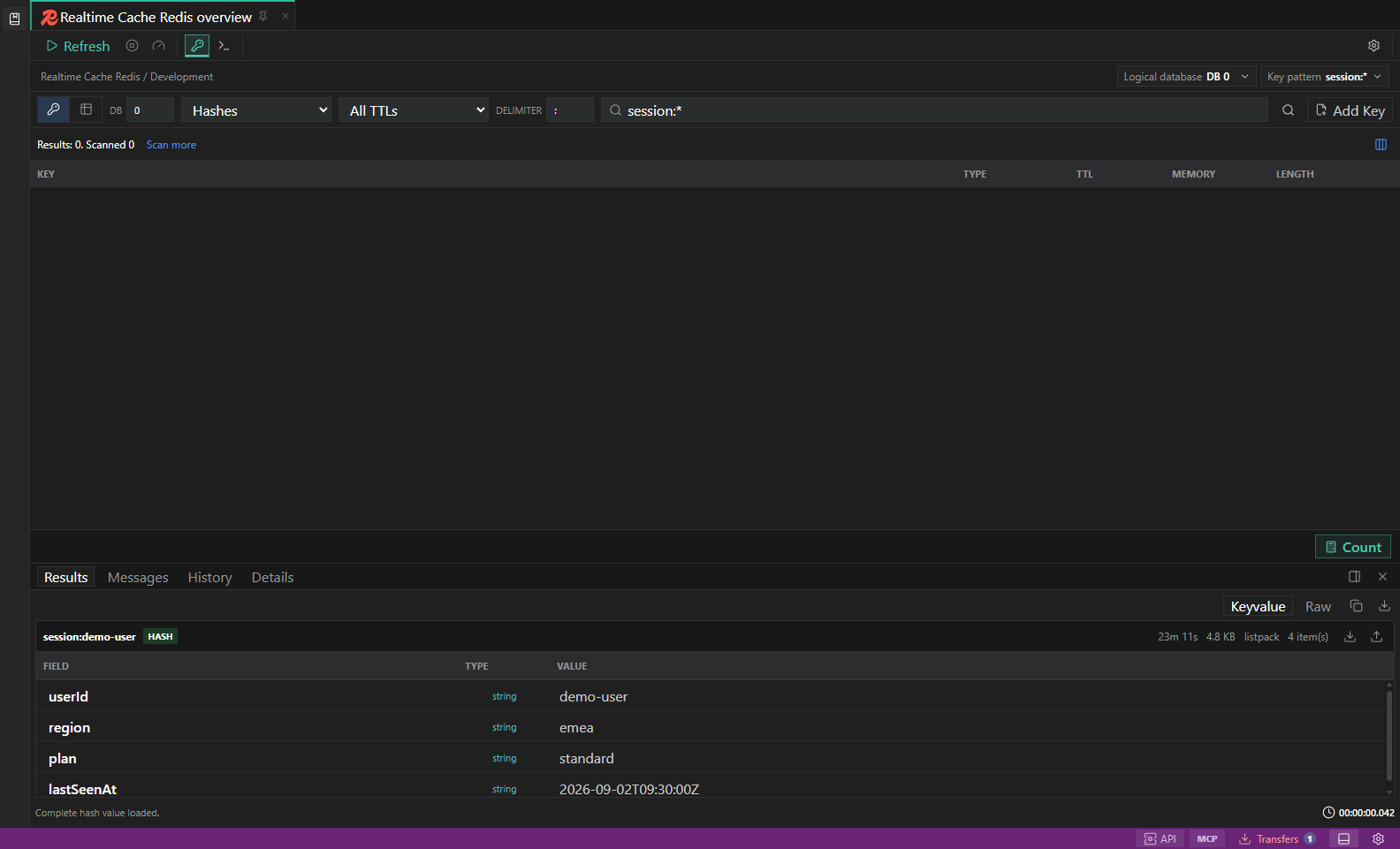
Redis key browser. Key filters, type-aware value surfaces, TTL, and guarded key actions. Open full size - 3
Read the compact header
The field/key name leads the view, with content type and byte size shown as small inline badges.
- 4
Choose source or formatted JSON
Source preserves the original representation. Formatted JSON appears only when parsing succeeds and never changes stored data.
- 5
Copy or edit deliberately
Copy actions operate on the complete retrieved value. Editing remains subject to concrete identity, native type support, read-only posture, environment confirmation, and server evidence.
Task and control reference
The workbench keeps the active connection, environment, target scope, query mode, and panel state visible. Review that context before you run, edit, export, or administer anything.
Safety boundaries
Troubleshooting
| Symptom | What to check |
|---|---|
| A control is disabled | Read its disabled reason, then verify target scope, connection health, read-only mode, environment policy, and feature maturity. |
| The screen does not match this guide | Confirm the app version and platform, refresh the active tab, and check whether the feature is marked Experimental, Plan only, or Unavailable. |
| The operation produces no rows | Open Messages and History, verify the selected datastore scope, replace the sample object names with names from your datastore, and retry with a bounded read. |