
SQL and relational
SQL Server/Azure SQL
SQL Server and Azure SQL expose TDS SQL, Showplan rendering, Query Store, Extended Events, Agent posture, and guarded table/file workflows.
Prerequisites
- Install the current DataPad++ desktop pre-release on Windows, macOS, or Linux.
- Have the endpoint, database file, or cloud account details for a SQL Server/Azure SQL datastore you are authorized to use. Start with least-privileged, read-only access.
- Keep an independent backup before enabling edits, administration, restore, or transfer execution.
Connect and run a safe query
- 1
Create the connection
Open Library, choose Create connection, and select SQL Server/Azure SQL and a supported Connection method tab.
- 2
Test and save
Complete the applicable fields and enable Read-only connection. Test connection when available; new local files and pending secondary credential changes must be saved first. Review runtime limitations and warnings.
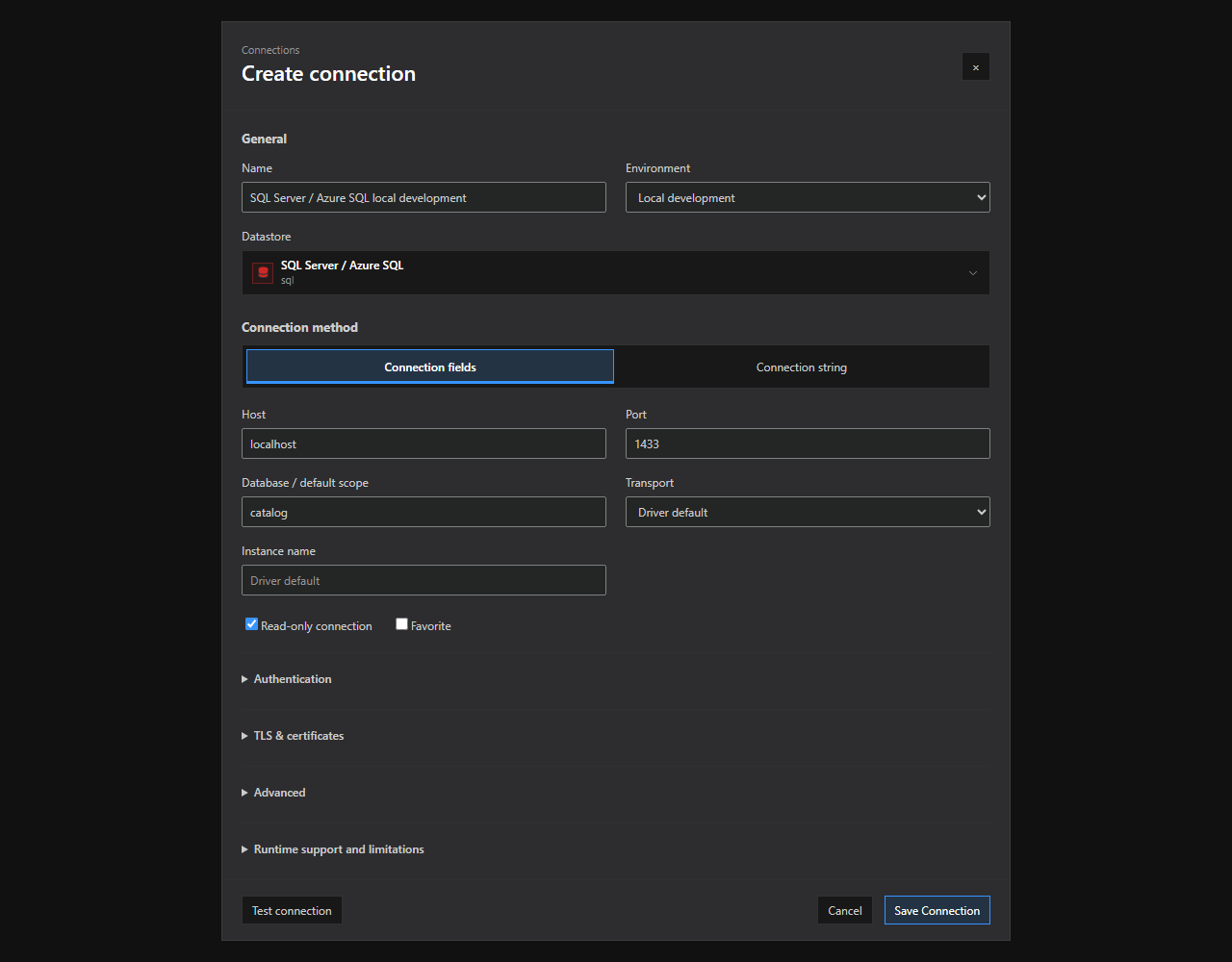
SQL Server / Azure SQL connection setup. The SQL Server / Azure SQL connection dialog with supported method tabs and illustrative, non-secret settings. Expand optional sections and review runtime limitations before saving. Open full size - 3
Open the native explorer
Use Save Connection, or Create Database and Save Connection for a new local file, then open the SQL Server/Azure SQL Explorer where supported.
- 4
Select a scope
Select the database / schema scope that should be attached to the new tab.
- 5
Run a bounded read
Open a query tab, paste the bounded read-only sample below, and choose Run or press Ctrl/Cmd+Enter.
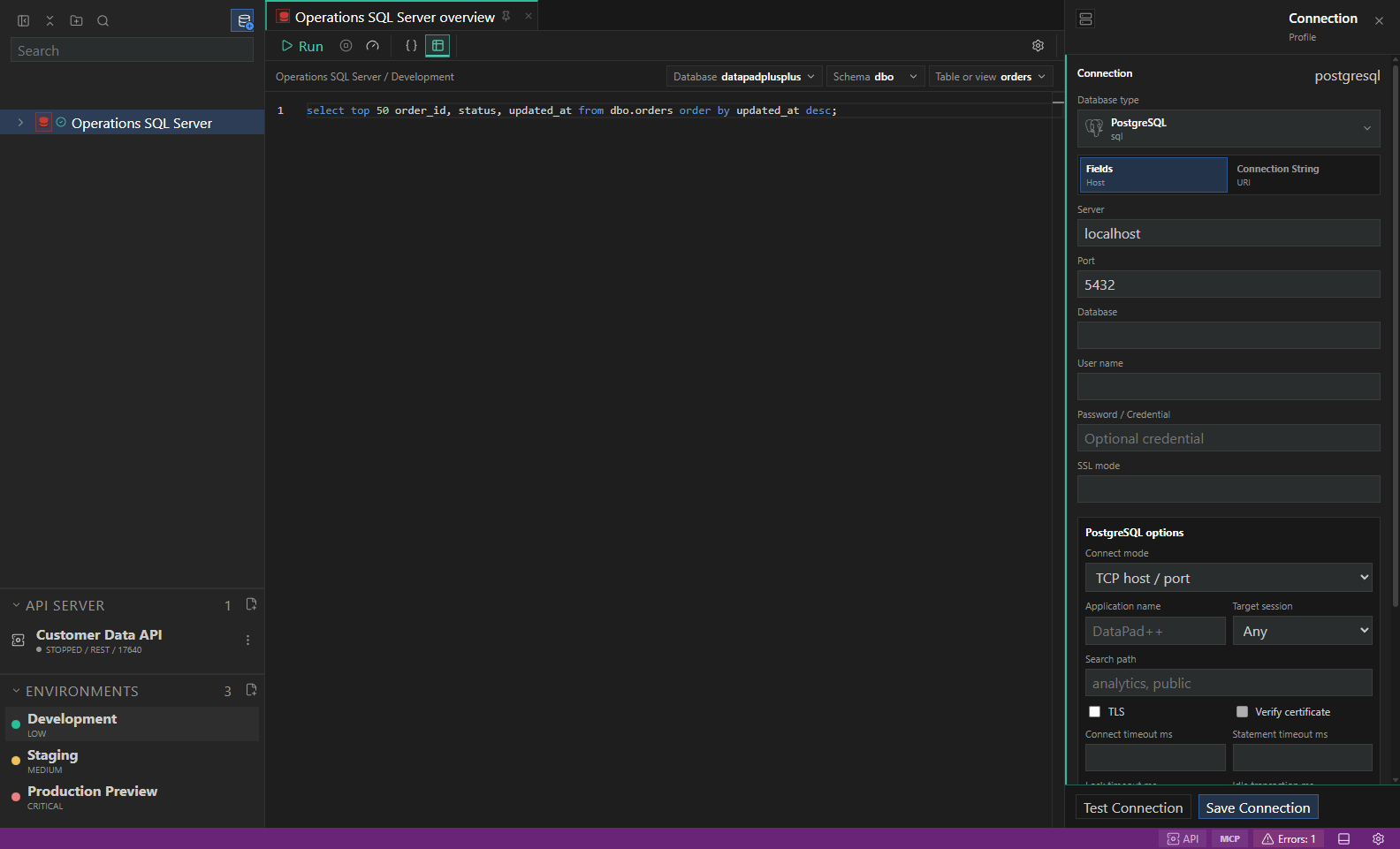
SQL Server / Azure SQL native workflow. A representative SQL Server / Azure SQL explorer and bounded read-only workflow. Replace the example objects with names from your datastore. Open full size - 6
Inspect the result
Inspect Results, Messages, History, and Details; dock the panel on the bottom or right as needed.
- 7
Export when needed
Export only the required rows after reviewing format, destination, and redaction options.
- 8
Open diagnostics or transfers
Open Diagnostics or Transfers from the drawer/status bar and treat disabled reasons as capability boundaries, not transient errors.
Connection fields
| Field | Required | Purpose | Safe example |
|---|---|---|---|
| Name | Yes | A clear profile name, without credentials. | SQL Server/Azure SQL development |
| Connection method | Yes | Choose a supported tab. The fields below apply only to the selected method and deployment. | Connection fields / Connection string |
| Environment | No | Attach the intended variable and safety context. | Local development |
| Read-only connection | No | Enable for initial exploration. This does not make pre-release software safe for production workloads. | Enabled |
| Host / Port | No | Endpoint for a fields-based connection. Follow the selected deployment and runtime limitations; MongoDB SRV does not use an explicit port. | localhost / engine default |
| Database / default scope | No | Initial scope for browsing, where supported. | catalog |
| Complete connection string | Yes | Required in Connection string mode only. Saved unchanged as one vault secret with Save Connection. Blank keeps an existing stored value. | Paste your complete provider string; do not share it |
| Username | No | Authentication identity for the selected method. | catalog_reader |
| Password | No | Required only when the chosen authentication needs it. Save Connection stores changes; blank preserves an existing value, and Reveal… explicitly discloses it. | Stored in the desktop OS vault |
| Transport | No | General. Optional, depending on the method and server. Review runtime limitations before overriding the driver default. | tcp / named-instance / azure-sql |
| Instance name | No | General. Optional, depending on the method and server. Review runtime limitations before overriding the driver default. | Driver default |
| Application name | No | Advanced. Optional, depending on the method and server. Review runtime limitations before overriding the driver default. | Driver default |
| Require encryption | No | TLS & certificates. Optional, depending on the method and server. Review runtime limitations before overriding the driver default. | Driver default |
| Trust server certificate | No | TLS & certificates. Optional, depending on the method and server. Review runtime limitations before overriding the driver default. | Driver default |
| CA certificate | No | TLS & certificates. Optional, depending on the method and server. Review runtime limitations before overriding the driver default. | Driver default |
| Read-only routing intent | No | Advanced. Optional, depending on the method and server. Review runtime limitations before overriding the driver default. | Driver default |
| Connect timeout (ms) | No | Advanced. Optional, depending on the method and server. Review runtime limitations before overriding the driver default. | Driver default |
| Command timeout (ms) | No | Advanced. Optional, depending on the method and server. Review runtime limitations before overriding the driver default. | Driver default |
| Sign-in method | No | Authentication. Optional, depending on the method and server. Review runtime limitations before overriding the driver default. | sql-server / windows / azure-ad-interactive |
| Organisation tenant ID | No | Authentication. Optional, depending on the method and server. Review runtime limitations before overriding the driver default. | Organisation-owned registration |
| Application client ID | No | Authentication. Optional, depending on the method and server. Review runtime limitations before overriding the driver default. | Public desktop application |
Run the sample query
SELECT TOP (25) id, name, status
FROM dbo.customers
ORDER BY id;Explore and inspect
- Browse databases, schemas, tables, views, procedures, functions, indexes, security, storage, Query Store, Extended Events, Agent, files, and partitions.
- Inspect table grids, message panes, Showplan operator tables, Query Store regressions, DMV rows, and primary-key edit evidence.
Diagnose, administer, and transfer
- Review cached query stats, active requests, waits, file I/O stalls, memory grants, transactions, missing indexes, Extended Events, Agent jobs, and storage/security panels.
- Preview UPDATE STATISTICS, index rebuild/reorganize/disable/enable, Query Store workload review, Agent posture, and restore-package validation.
- Import — Live. SQL Server validates identity, computed, collation, temporal, binary, and GUID columns before transfer. Formats: CSV (portable-lossy), JSON (portable), NDJSON (portable). Destinations: local file.
- Export — Live. SQL Server validates identity, computed, collation, temporal, binary, and GUID columns before transfer. Formats: CSV (portable-lossy), JSON (portable), NDJSON (portable). Destinations: local file.
- Backup — Live. The datastore exposes a native managed backup workflow. Formats: SQL Server backup (native). Destinations: server path, cloud uri.
- Restore — Live. The datastore exposes a native managed backup workflow. Formats: SQL Server backup (native). Destinations: server path, cloud uri.
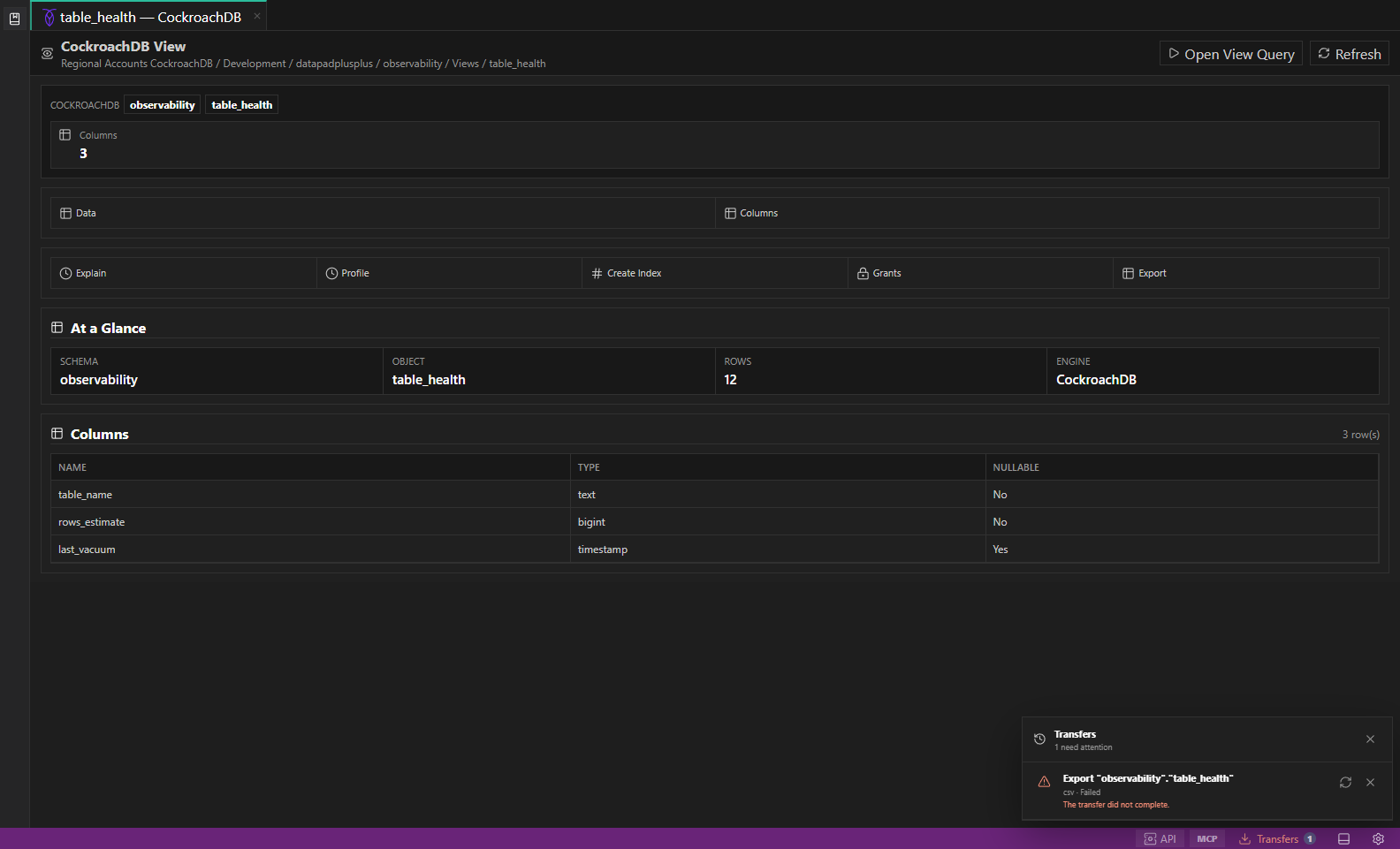
Capabilities and availability
| Capability | Status | Notes |
|---|---|---|
| Native explorer | Available | Browse databases, schemas, tables, views, procedures, functions, indexes, security, storage, Query Store, Extended Events, Agent, files, and partitions. |
| Read queries | Available | Run live TDS SQL, table-scoped SELECTs, SHOWPLAN_TEXT explains, XML Showplan profiles, and Query Store review queries. |
| Inline editing | Guarded | Requires key evidence, a writable profile, and environment confirmation. |
| Diagnostics / administration | Guarded | Preview UPDATE STATISTICS, index rebuild/reorganize/disable/enable, Query Store workload review, Agent posture, and restore-package validation. |
| Import / export / transfer | Guarded | Availability follows the authoritative runtime transfer manifest and shows a disabled reason when execution is not implemented. |
Safety and limitations
Troubleshooting
| Symptom | Resolution |
|---|---|
| Test connection fails or times out | Verify endpoint, port, TLS mode, proxy settings, service health, firewall rules, and network access. Keep the profile unsaved until the test explains the failure. |
| Explorer branches are empty or disabled | Confirm the selected database / schema, refresh the branch, and grant the minimum metadata permissions described in the connection warning. |
| Run, edit, admin, or transfer is disabled | Read the visible disabled reason. Select a compatible target, turn off read-only only when authorized, or use the documented preview/export fallback. |
| The sample query fails or returns different columns | Replace the example names with objects from your SQL Server/Azure SQL datastore, confirm the selected database / schema, and keep the query bounded while you validate the result. |