
Exploring and IntelliSense
Explore Datastore Objects
Use datastore-native object trees and context menus before writing queries.
Prerequisites
- Install the current DataPad++ desktop pre-release and open the workspace where you want to organize your connections and saved work.
- Have access to a datastore or database file you are authorized to inspect. Start read-only with a least-privileged account.
Quickstart
- 1
Expand the connection
Open a saved connection from the Library to reveal objects that belong to that datastore family.
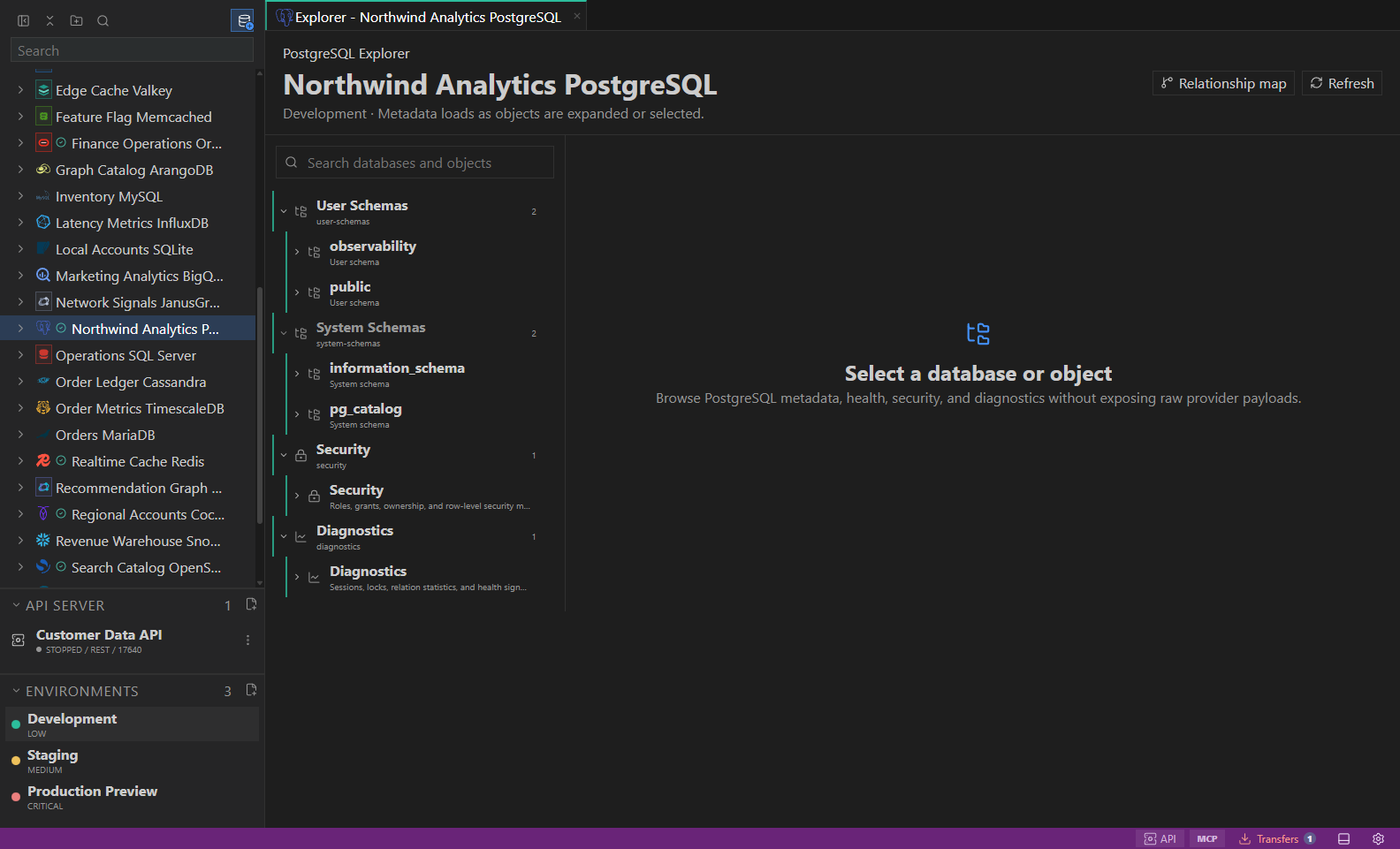
Object explorer. Datastore-owned tree with native objects and context actions. Open full size - 2
Scan native object groups
SQL connections show schemas, tables, views, routines, and indexes. MongoDB shows databases and collections. Redis shows key and diagnostic surfaces.
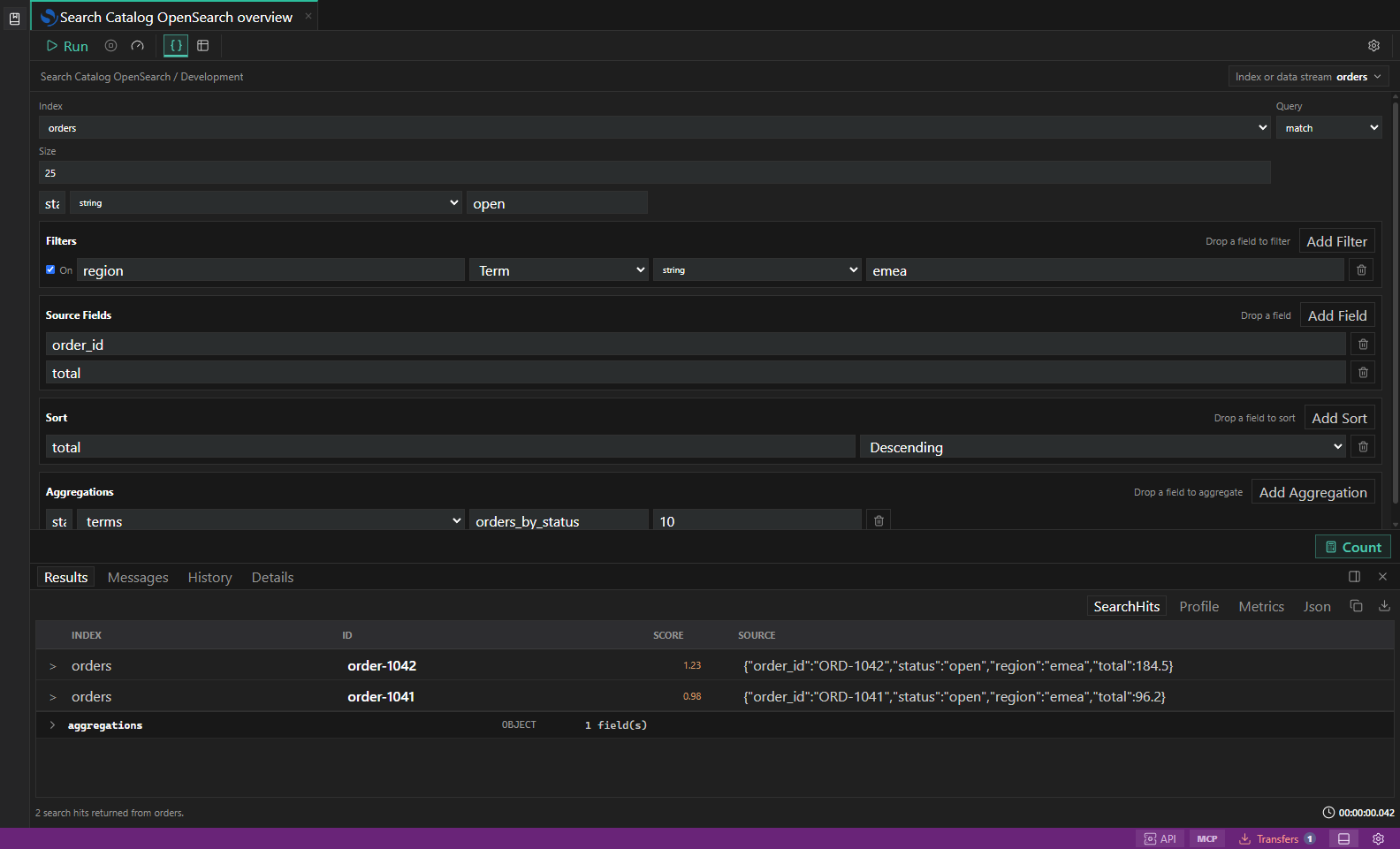
Search diagnostics. Index, mapping, profile, shard, and slow-log inspection surfaces. Open full size - 3
Open object details
Select an object to inspect columns, indexes, metadata, permissions, storage, diagnostics, or datastore-specific panels.
- 4
Use context actions
Right-click objects to open scoped queries, builders, previews, diagnostics, import/export workflows, or guarded management actions.
- 5
Prefer focused loading
Large enterprise schemas should be explored in focused slices instead of rendering every object and relationship at once.
Task and control reference
The workbench keeps the active connection, environment, target scope, query mode, and panel state visible. Review that context before you run, edit, export, or administer anything.
Safety boundaries
Troubleshooting
| Symptom | What to check |
|---|---|
| A control is disabled | Read its disabled reason, then verify target scope, connection health, read-only mode, environment policy, and feature maturity. |
| The screen does not match this guide | Confirm the app version and platform, refresh the active tab, and check whether the feature is marked Experimental, Plan only, or Unavailable. |
| The operation produces no rows | Open Messages and History, verify the selected datastore scope, replace the sample object names with names from your datastore, and retry with a bounded read. |