
Features
A datastore workbench shaped around connection context, native object exploration, careful execution, and reusable work.
One workbench instead of many database IDEs
Keep connections, environments, Explorer objects, saved work, query tabs, results, and diagnostics together without flattening every datastore into the same interface.
Too many separate tools make connections, tabs, and saved work difficult to manage.Learn the workflow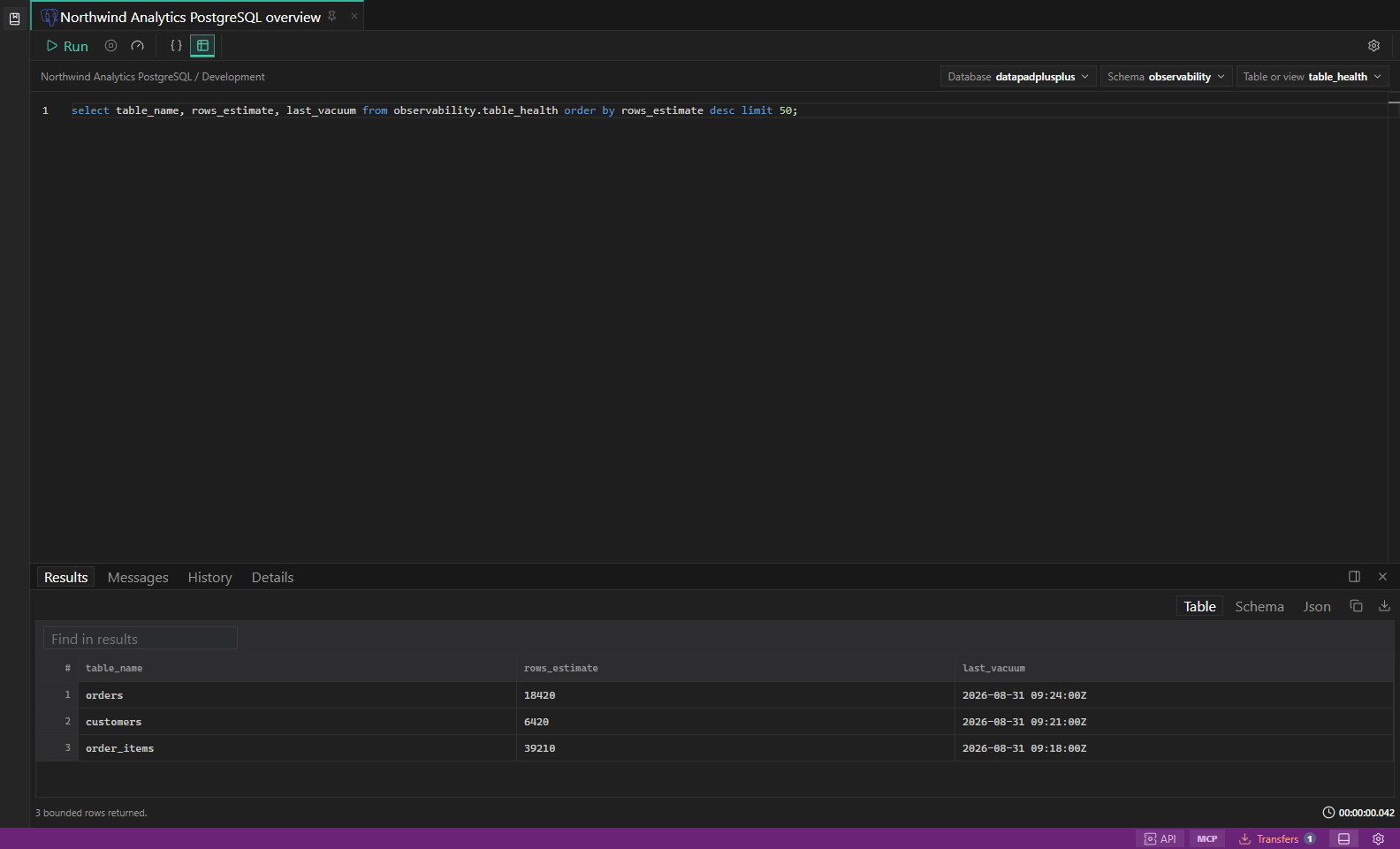
Native-feeling tools beyond basic editor extensions
Tables feel like tables, documents keep native types, Redis keys open in complete type-aware views, and search, graph, metrics, and analytical engines retain their own workflows.
A query textbox alone is not enough for discovery, diagnostics, results, and safe edits.Learn the workflow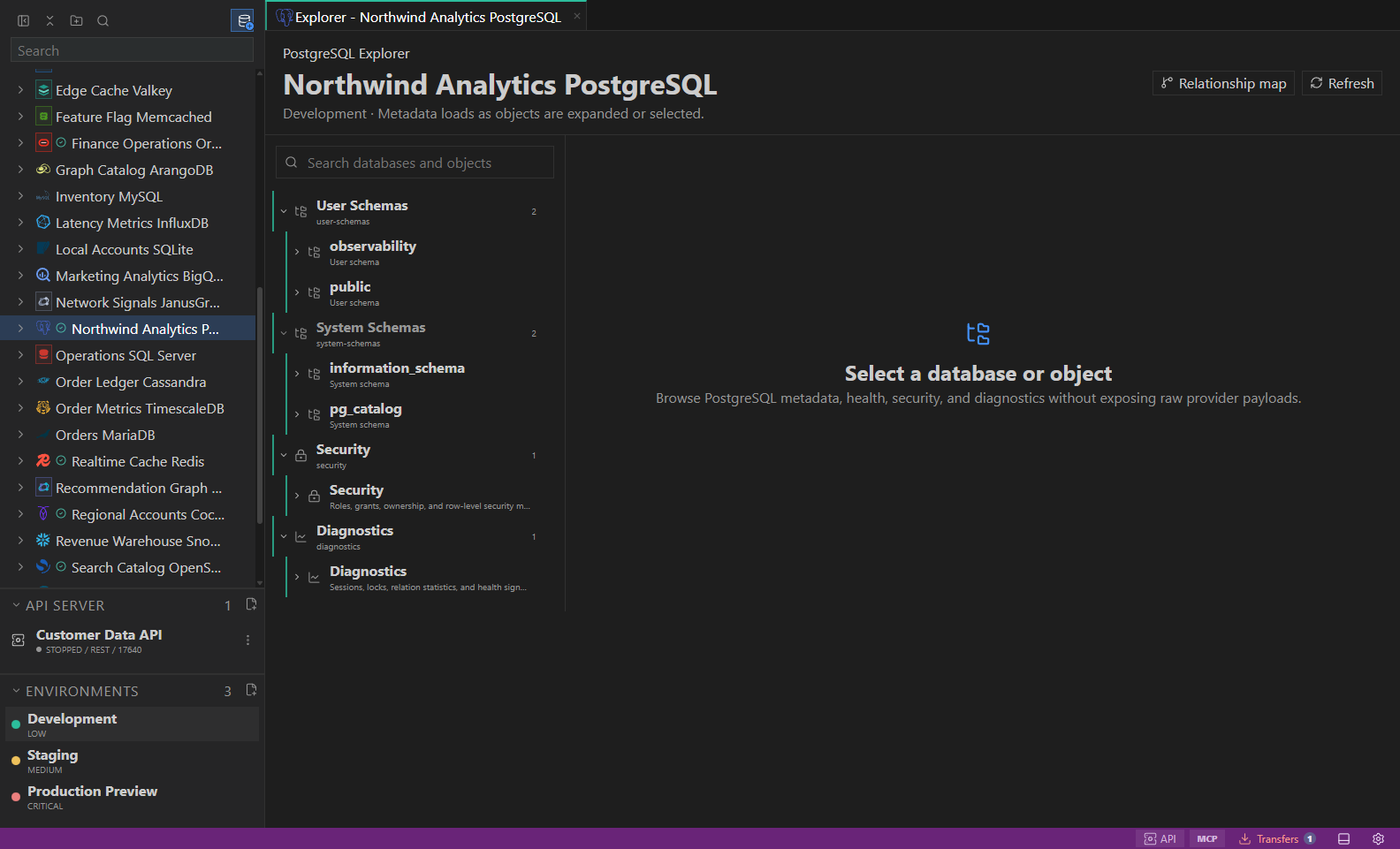
Visible target and environment context
Every tab carries its connection, environment, database/schema or object scope, and persistent environment color—even when it moves into an experimental detached window.
The most dangerous mistake is running the right query against the wrong target.Learn the workflow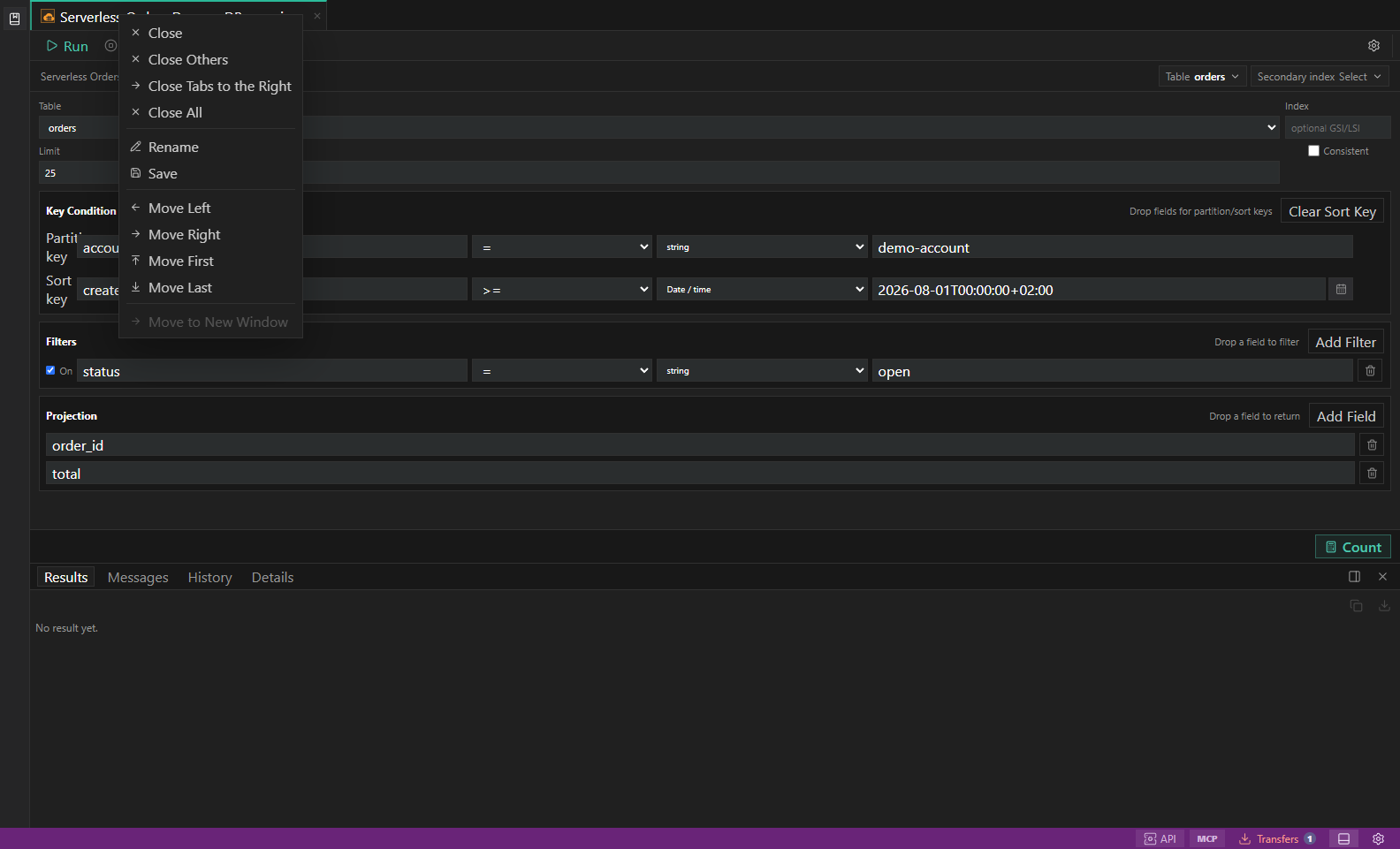
Validated builders and guarded editing
Build nested typed filters, validate JSON explicitly, edit documents or rows only with stable identity, and refresh from authoritative server evidence.
Permissive inputs and guessed target identity turn convenient editing into unsafe execution.Learn the workflow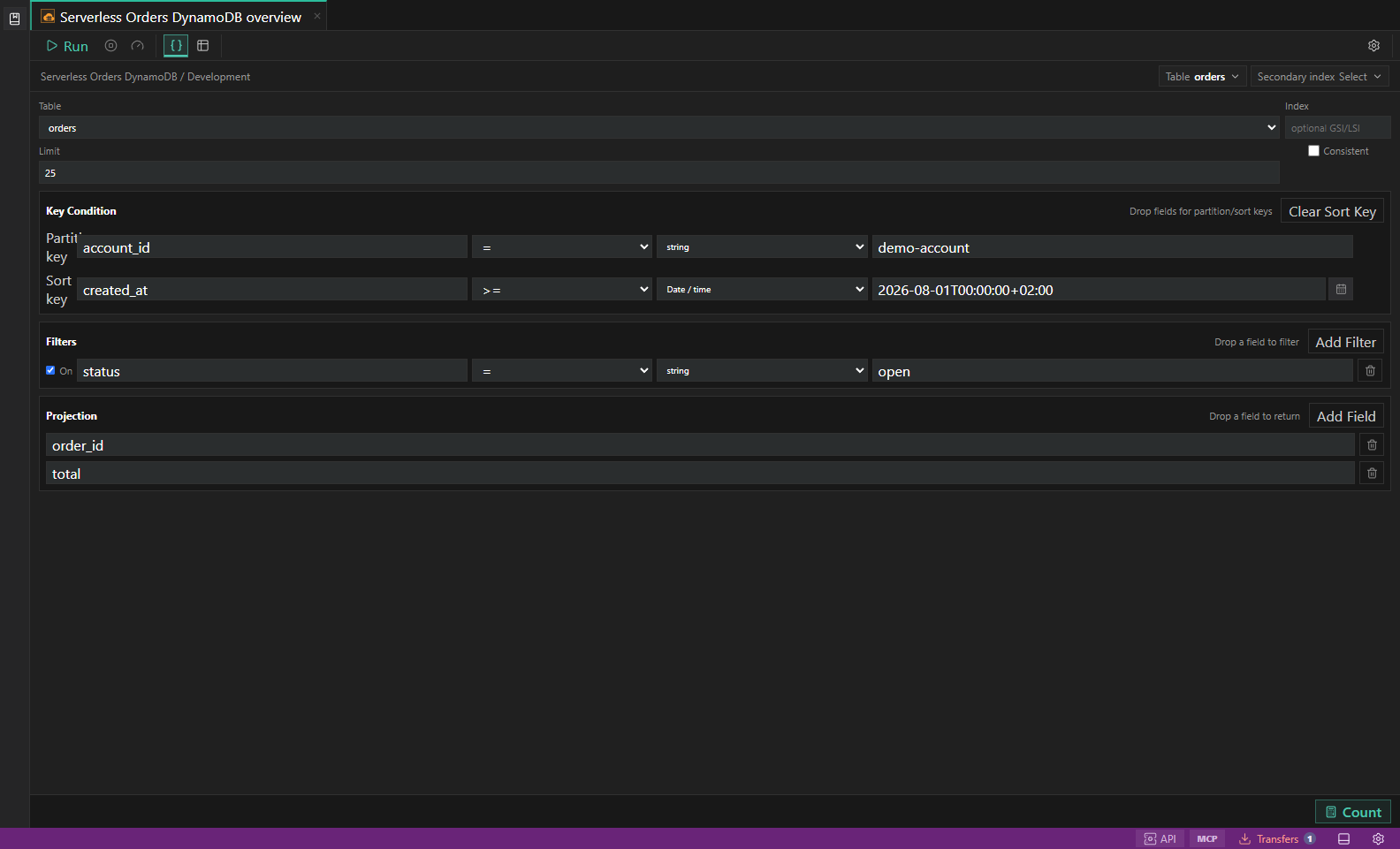
Native and portable data movement
Choose only manifest-supported formats and destinations, validate before starting, fail imports on conflict, and follow background work in Transfers Center.
Generic exports lose types, while vendor backup tools differ dramatically between engines.Learn the workflow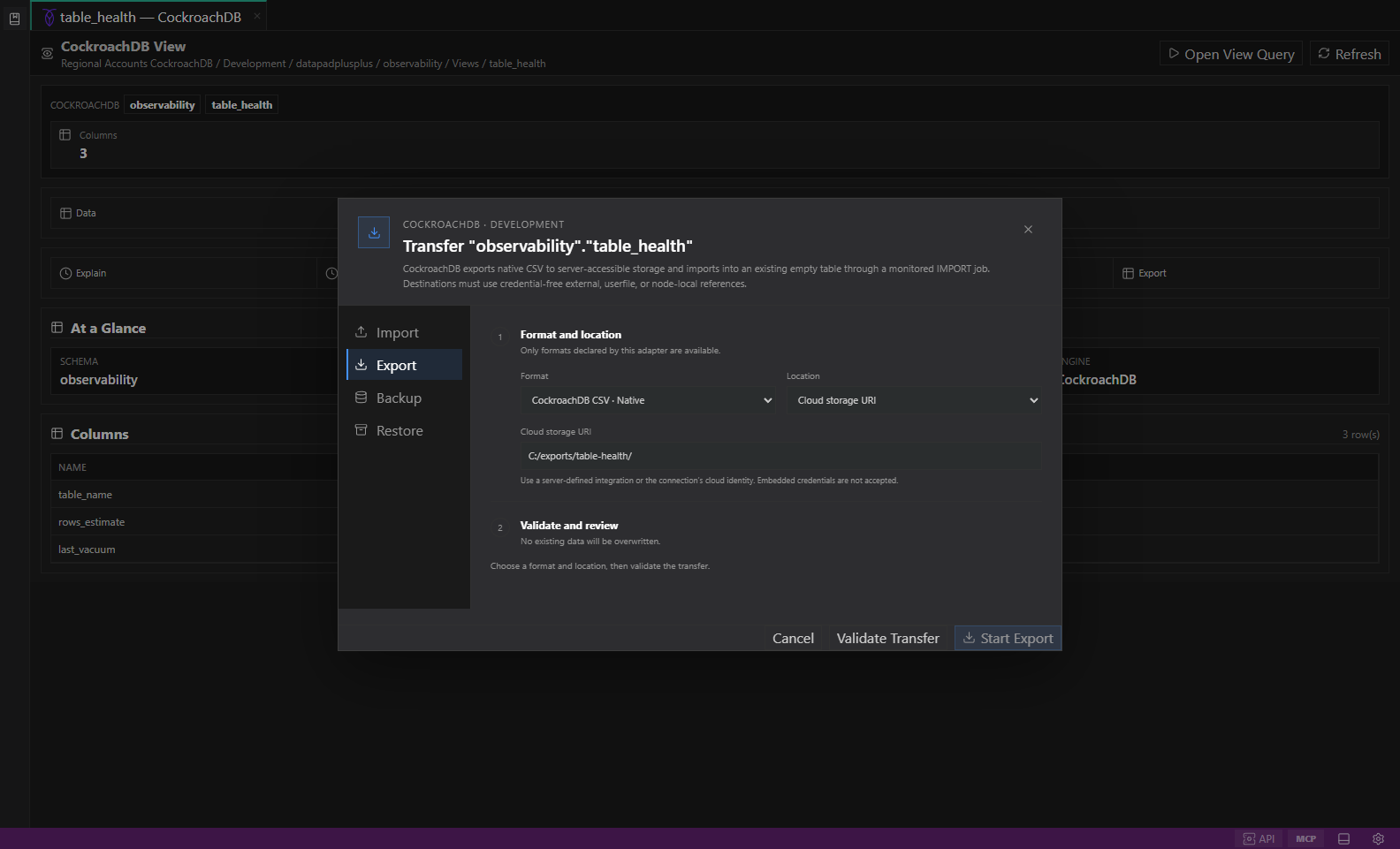
Versioned, encrypted, recoverable workspaces
Export compact encrypted bundles, opt into secrets explicitly, preview file-first imports, name new workspaces, recover destructive replacements, and analyze size without exposing contents.
Backups should not silently leak credentials or grow with disposable result payloads.Learn the workflow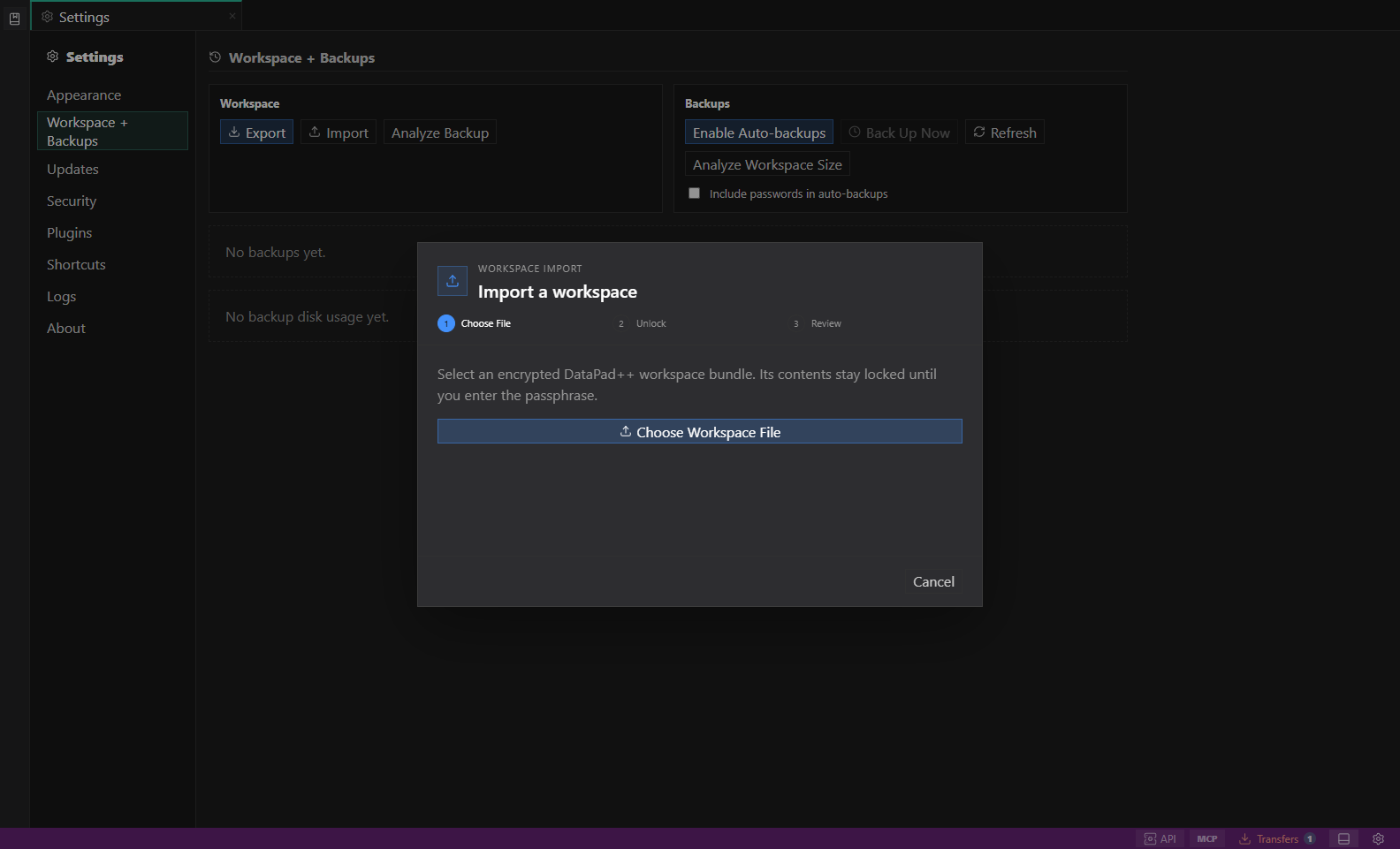
Search, test, map, and expose work deliberately
Use the Library, Workspace Search, relationship maps, datastore test suites, and opt-in API/MCP servers to turn explored data into intentional reusable workflows.
Reusable knowledge disappears when it lives only in open editors and private mental context.Learn the workflow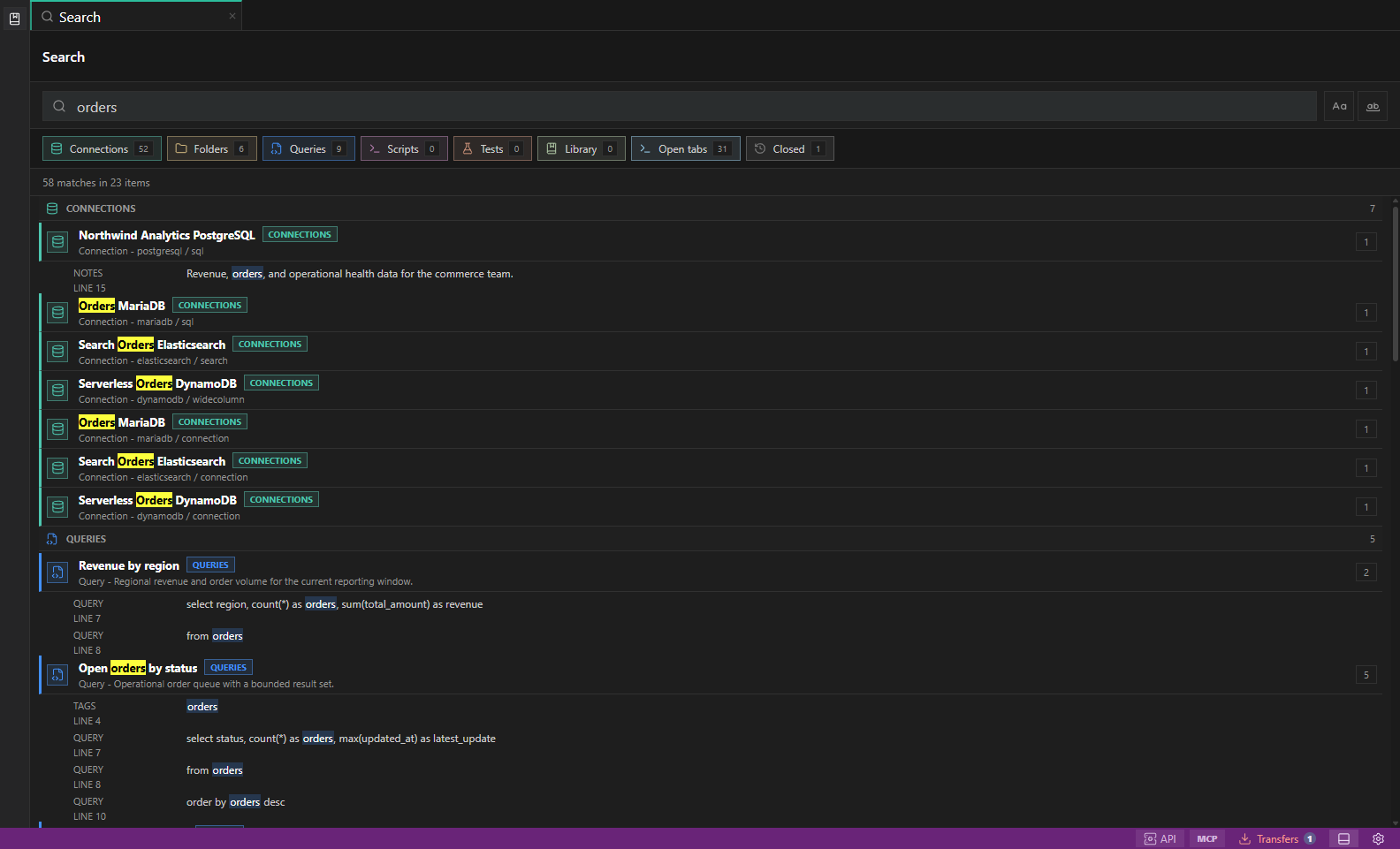
Everyday workflow
- Install a pre-release build for your platform.
- Create a connection to your development, staging, or read-only datastore.
- Attach the right environment before querying.
- Explore native objects and diagnostics.
- Run bounded reads, inspect results, export what you need, then save useful work.
- Search saved work or enable Datastore Tests for target-bound, adapter-backed checks.
- Promote edits, transfers, or admin actions only after guardrails prove the target.
- Enable API Server or MCP Server plugins only when a local integration needs it.