
Document and NoSQL
LiteDB
LiteDB is documented as a local document-file workflow with collection metadata, index and file storage panels, sidecar boundaries, and guarded local management.
Prerequisites
- Install the current DataPad++ desktop pre-release on Windows, macOS, or Linux.
- Have the endpoint, database file, or cloud account details for a LiteDB datastore you are authorized to use. Start with least-privileged, read-only access.
- Keep an independent backup before enabling edits, administration, restore, or transfer execution.
Connect and run a safe query
- 1
Create the connection
Open Library, choose Create connection, and select LiteDB and a supported Connection method tab.
- 2
Test and save
Complete the applicable fields and enable Read-only connection. Test connection when available; new local files and pending secondary credential changes must be saved first. Review runtime limitations and warnings.
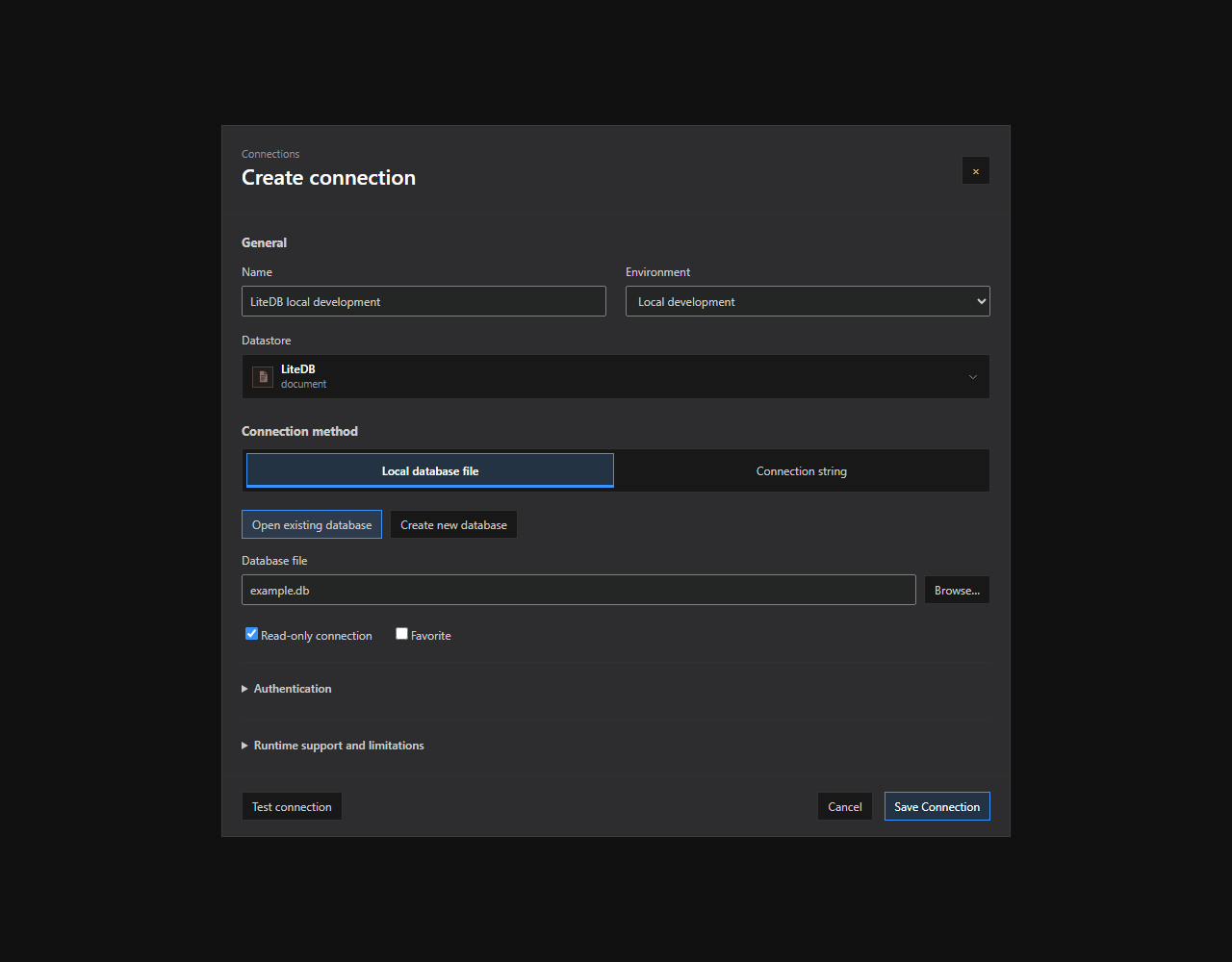
LiteDB connection setup. The LiteDB connection dialog with supported method tabs and illustrative, non-secret settings. Expand optional sections and review runtime limitations before saving. Open full size - 3
Open the native explorer
Use Save Connection, or Create Database and Save Connection for a new local file, then open the LiteDB Explorer where supported.
- 4
Select a scope
Select the database / container scope that should be attached to the new tab.
- 5
Run a bounded read
Open a query tab, paste the bounded read-only sample below, and choose Run or press Ctrl/Cmd+Enter.
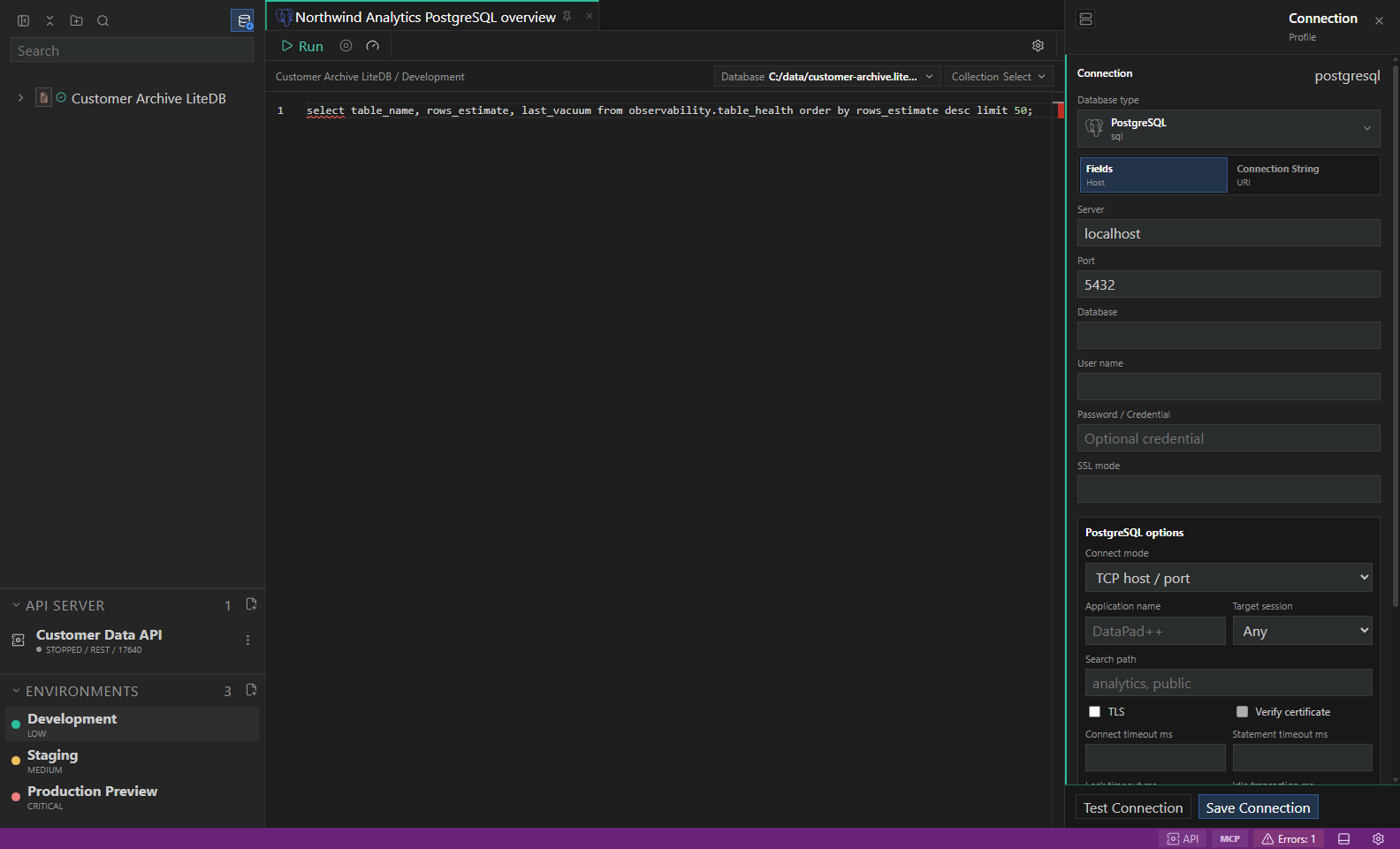
LiteDB native workflow. A representative LiteDB explorer and bounded read-only workflow. Replace the example objects with names from your datastore. Open full size - 6
Inspect the result
Inspect Results, Messages, History, and Details; dock the panel on the bottom or right as needed.
- 7
Export when needed
Export only the required rows after reviewing format, destination, and redaction options.
- 8
Open diagnostics or transfers
Open Diagnostics or Transfers from the drawer/status bar and treat disabled reasons as capability boundaries, not transient errors.
Connection fields
| Field | Required | Purpose | Safe example |
|---|---|---|---|
| Name | Yes | A clear profile name, without credentials. | LiteDB development |
| Connection method | Yes | Choose a supported tab. The fields below apply only to the selected method and deployment. | Local database file / Connection string |
| Environment | No | Attach the intended variable and safety context. | Local development |
| Read-only connection | No | Enable for initial exploration. This does not make pre-release software safe for production workloads. | Enabled |
| Database file | Yes | Open an existing file, or choose a folder and filename under Create new database. Creation occurs only on final save. | example.db |
| Complete connection string | Yes | Required in Connection string mode only. Saved unchanged as one vault secret with Save Connection. Blank keeps an existing stored value. | Paste your complete provider string; do not share it |
| Database password | No | Required only when the chosen authentication needs it. Save Connection stores changes; blank preserves an existing value, and Reveal… explicitly discloses it. | Stored in the desktop OS vault |
Run the sample query
{"operation":"Find","collection":"products","filter":"$.active = @active","parameters":{"active":true},"limit":25}Explore and inspect
- Browse collections, inferred schema previews, indexes, file storage, storage health, local-file preflight state, encryption posture, lock-boundary posture, and settings.
- Inspect document rows, raw JSON, collection statistics, sidecar response metadata, open-failure details, timeout details, and redacted local-file diagnostics.
Diagnose, administer, and transfer
- Review local file preflight, encryption and lock-boundary metadata, sidecar availability, storage health, index posture, and optional .NET engine validation evidence.
- Preview health checks, checkpoint, compact, index rebuild, backup/export, collection drops, and sidecar-only full-document CRUD plans.
- Import — Live. LiteDB collection transfer uses Extended JSON through the bundled sidecar. Formats: LiteDB Extended JSON (native), NDJSON (portable). Destinations: local file.
- Export — Live. LiteDB collection transfer uses Extended JSON through the bundled sidecar. Formats: LiteDB Extended JSON (native), NDJSON (portable). Destinations: local file.
- Backup — Live. LiteDB checkpoints and copies the complete database file, then reopens and verifies the copy. Formats: LiteDB database (native). Destinations: local file.
- Restore — Live. LiteDB checkpoints and copies the complete database file, then reopens and verifies the copy. Formats: LiteDB database (native). Destinations: local file.
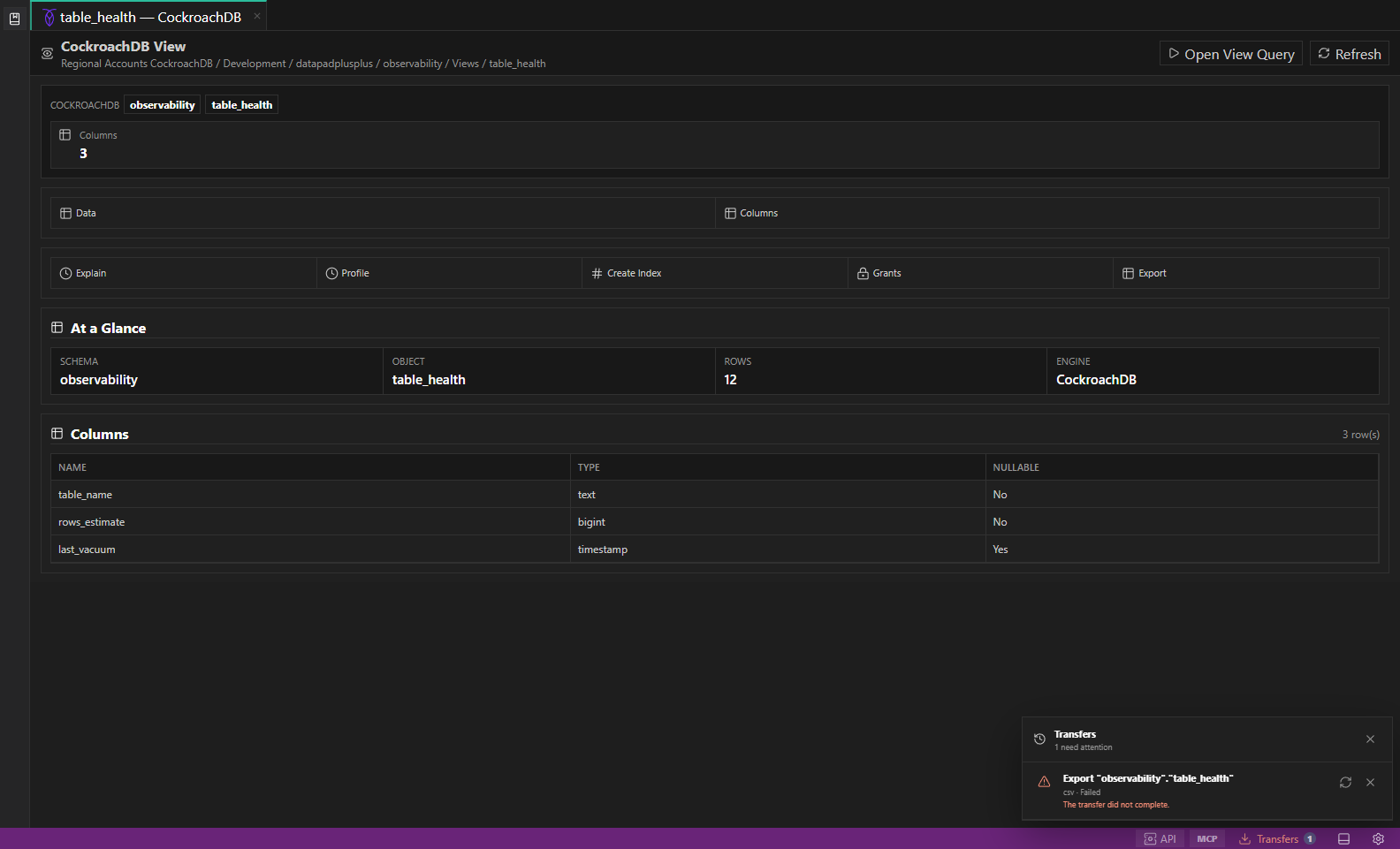
Capabilities and availability
| Capability | Status | Notes |
|---|---|---|
| Native explorer | Available | Browse collections, inferred schema previews, indexes, file storage, storage health, local-file preflight state, encryption posture, lock-boundary posture, and settings. |
| Read queries | Available | Use LiteDB JSON operations with the bundled runtime. Expand Collections to load actual collection names, then inspect document counts, index definitions, sampled fields and database pragmas. Large collection lists offer Load more. |
| Inline editing | Unavailable | Use a reviewed statement or the engine-native tool instead. |
| Diagnostics / administration | Guarded | Preview health checks, checkpoint, compact, index rebuild, backup/export, collection drops, and sidecar-only full-document CRUD plans. |
| Import / export / transfer | Guarded | Availability follows the authoritative runtime transfer manifest and shows a disabled reason when execution is not implemented. |
Safety and limitations
Troubleshooting
| Symptom | Resolution |
|---|---|
| Test connection fails or times out | Verify endpoint, port, TLS mode, proxy settings, service health, firewall rules, and network access. Keep the profile unsaved until the test explains the failure. |
| Explorer branches are empty or disabled | Confirm the selected database / container, refresh the branch, and grant the minimum metadata permissions described in the connection warning. |
| Run, edit, admin, or transfer is disabled | Read the visible disabled reason. Select a compatible target, turn off read-only only when authorized, or use the documented preview/export fallback. |
| The sample query fails or returns different columns | Replace the example names with objects from your LiteDB datastore, confirm the selected database / container, and keep the query bounded while you validate the result. |