
Results and safe editing
Edit Document Results Safely
Add or remove fields, use native typed inputs, and validate raw JSON before datastore execution.
Prerequisites
- Install the current DataPad++ desktop pre-release and open the workspace where you want to organize your connections and saved work.
- Have access to a datastore or database file you are authorized to inspect. Start read-only with a least-privileged account.
Quickstart
- 1
Open the field context menu
Add Field targets an object or a scalar's object parent; arrays remain editable through raw JSON. Remove Field applies to object properties while root deletion stays Delete Document.
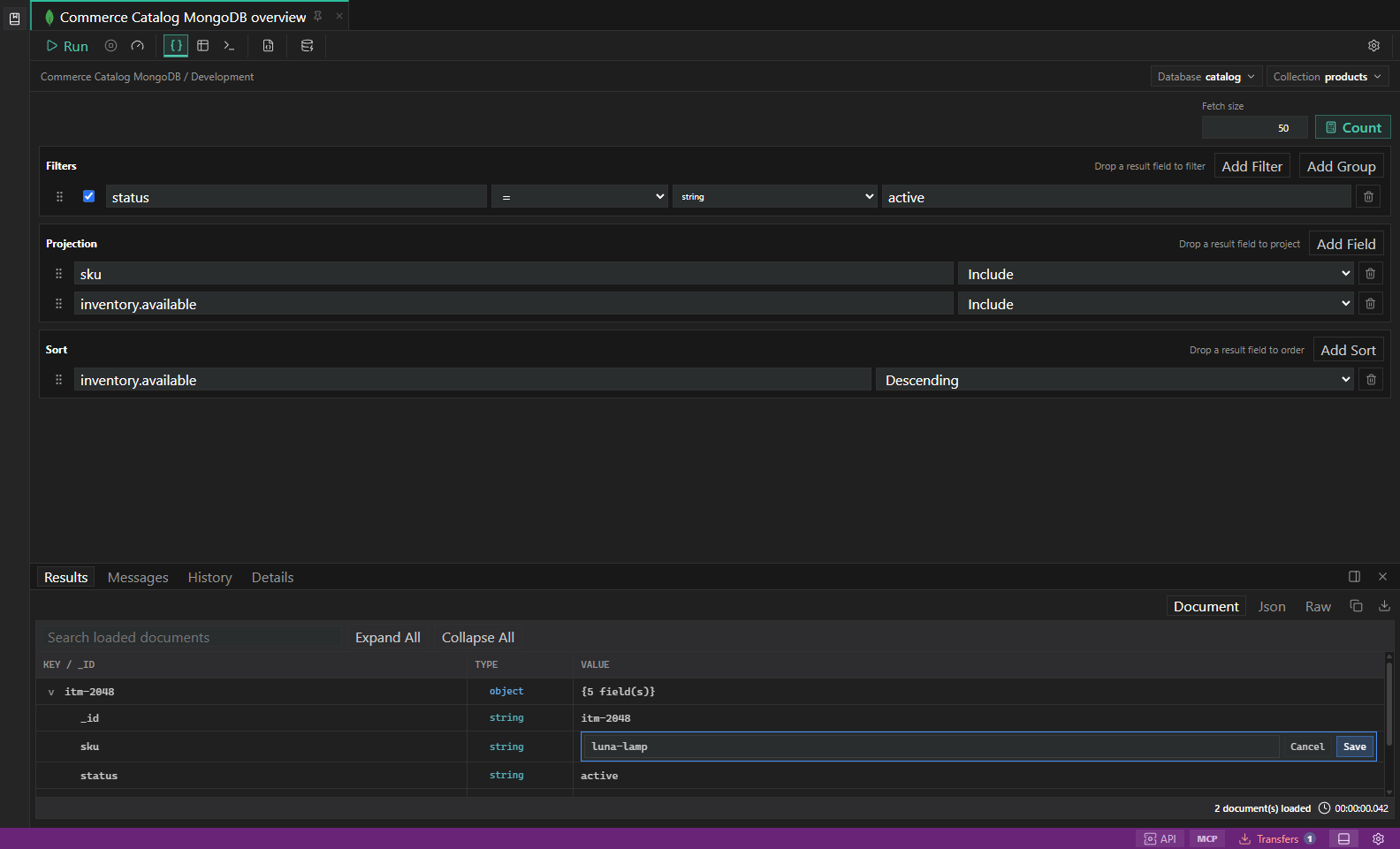
Guarded document field editing. A field-level document change paused for target and environment review before execution. Open full size - 2
Choose a supported native type
Editors preserve numbers, decimals, booleans, DateTime, ObjectId, MongoDB UUID, LiteDB GUID, binary, and other native wrappers without reclassifying ordinary strings.
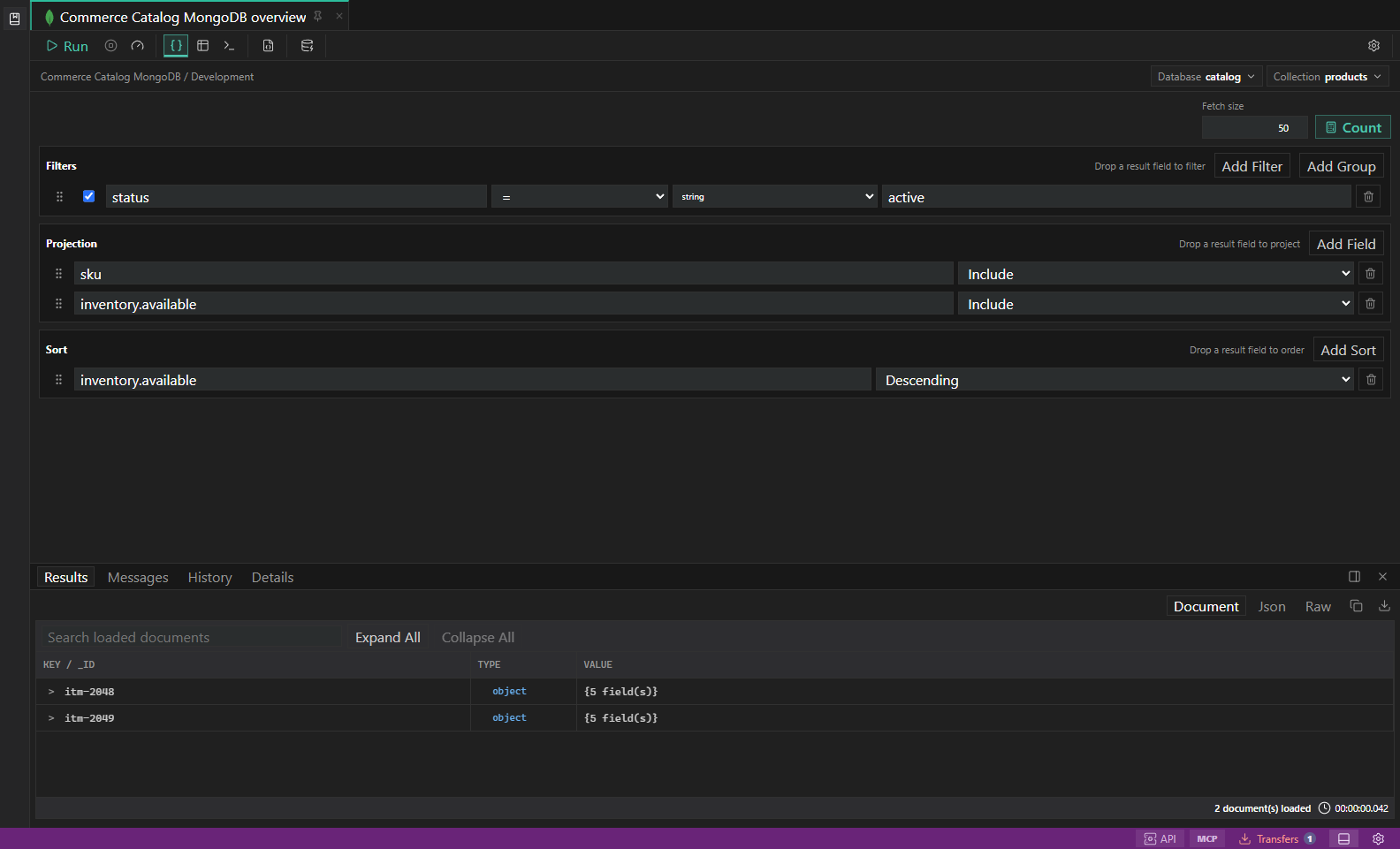
MongoDB query builder. Filters, projections, sort, explain plans, and document results. Open full size - 3
Respect protected identity
Duplicate, empty, unsafe, reserved, identity, partition/shard, and concurrency fields cannot be added, removed, or changed.
- 4
Inspect or edit raw JSON
View Raw JSON formats the selected value. Edit Raw JSON requires explicit validation after every change and keeps Save disabled until the current text passes all checks.
- 5
Wait for authoritative evidence
The result changes only after execution succeeds and returns before/after data. Projected, lazy, truncated, stale, read-only, or insufficiently identified documents remain viewable but not mutable.
Task and control reference
The workbench keeps the active connection, environment, target scope, query mode, and panel state visible. Review that context before you run, edit, export, or administer anything.
Safety boundaries
Troubleshooting
| Symptom | What to check |
|---|---|
| A control is disabled | Read its disabled reason, then verify target scope, connection health, read-only mode, environment policy, and feature maturity. |
| The screen does not match this guide | Confirm the app version and platform, refresh the active tab, and check whether the feature is marked Experimental, Plan only, or Unavailable. |
| The operation produces no rows | Open Messages and History, verify the selected datastore scope, replace the sample object names with names from your datastore, and retry with a bounded read. |